Documents and presentations your team can find again
Ask an agent for a brief, a report or a slide deck, made from the files you upload. The team comments in the same task, asks for another version and downloads the result. Nothing ends up lost in one person's chat history.
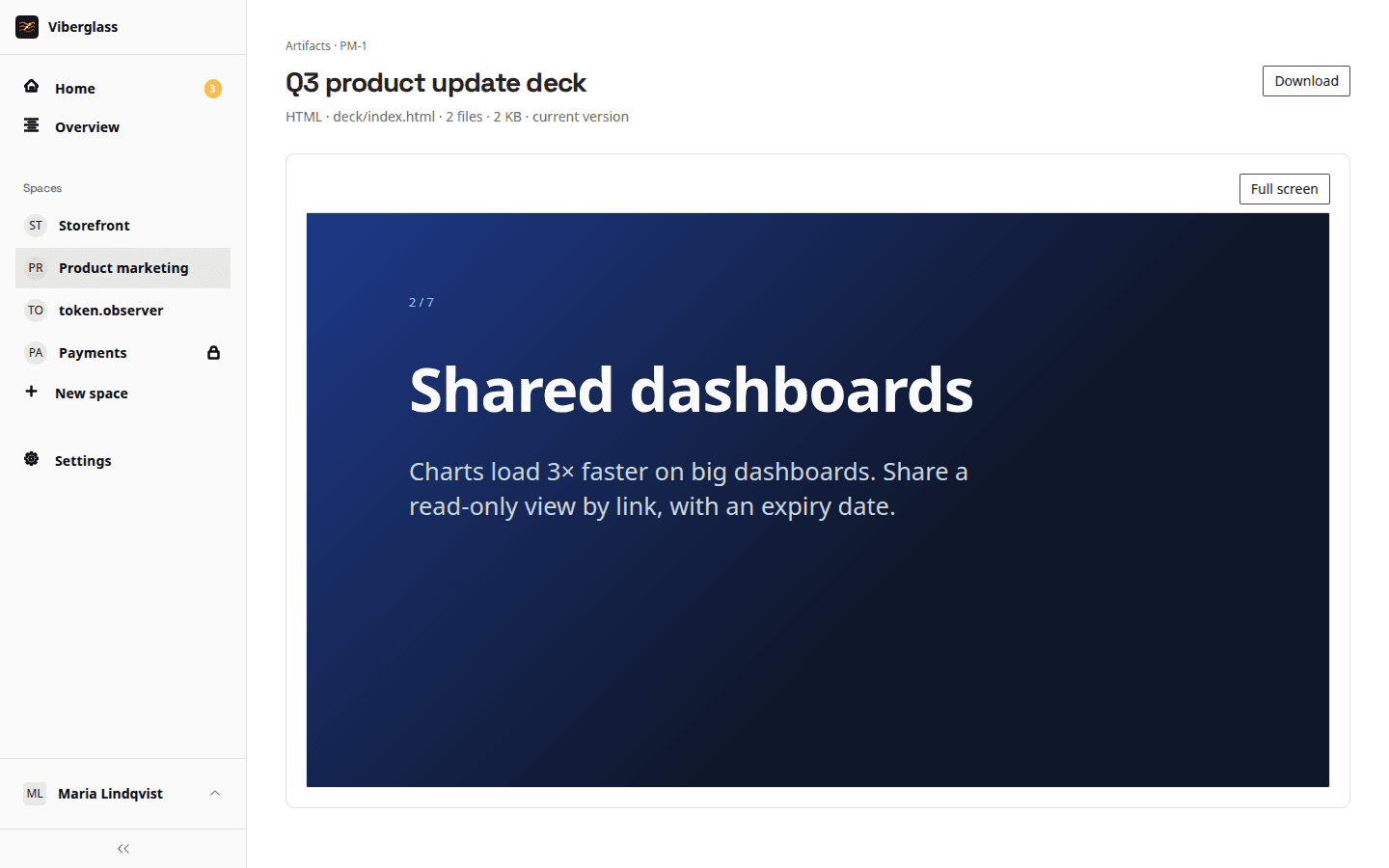
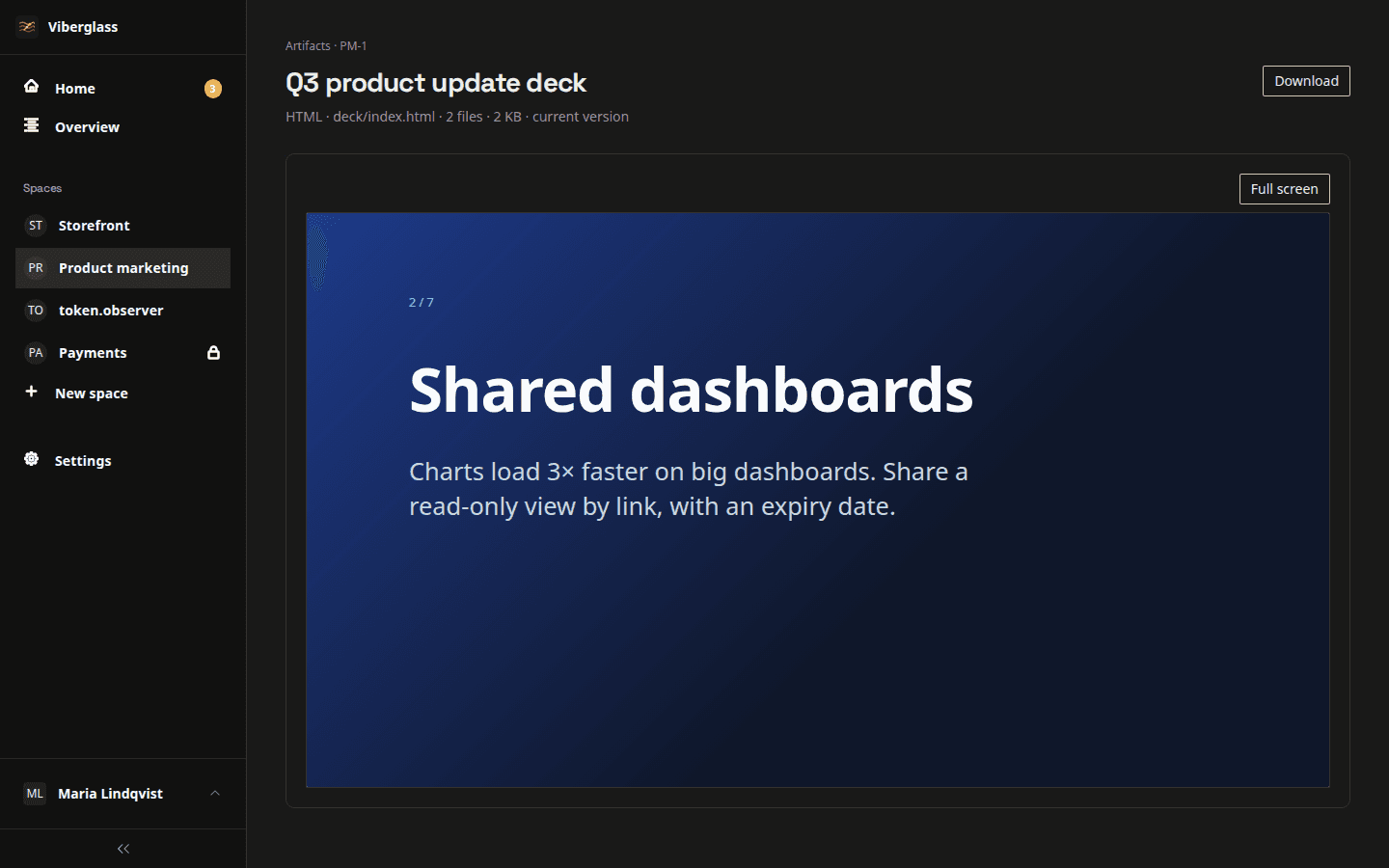
Work people bring to it
The everyday writing and slides that used to happen in private chats.
“A competitor brief from these five links.”
A two-page brief in the task, revised after the team commented on it.
“A one-pager for Acme with our pricing and their use case.”
A PDF ready to send, made from the price list you uploaded.
“Turn last month's numbers into the board update deck.”
A slide deck you preview, comment on and download.
“Rewrite the remote work policy in plain language.”
A new version of the policy next to the old one, ready for review.
Files in, a document out
Bring the source files
A documents space, called a Files space in Viberglass, keeps shared files such as price lists, brand guidelines or last quarter's numbers available to every task in it. It needs no code repository.
Ask and talk it through
Describe what you need. The agent asks its questions in the thread, and you can ask for a plan first when the outline matters more than the wording.
Review and download
Preview the result in Viberglass, comment on it and ask for another version. You can edit text files yourself; every change becomes a new version.
Watch a brief and a proposal get written
Working on documents together
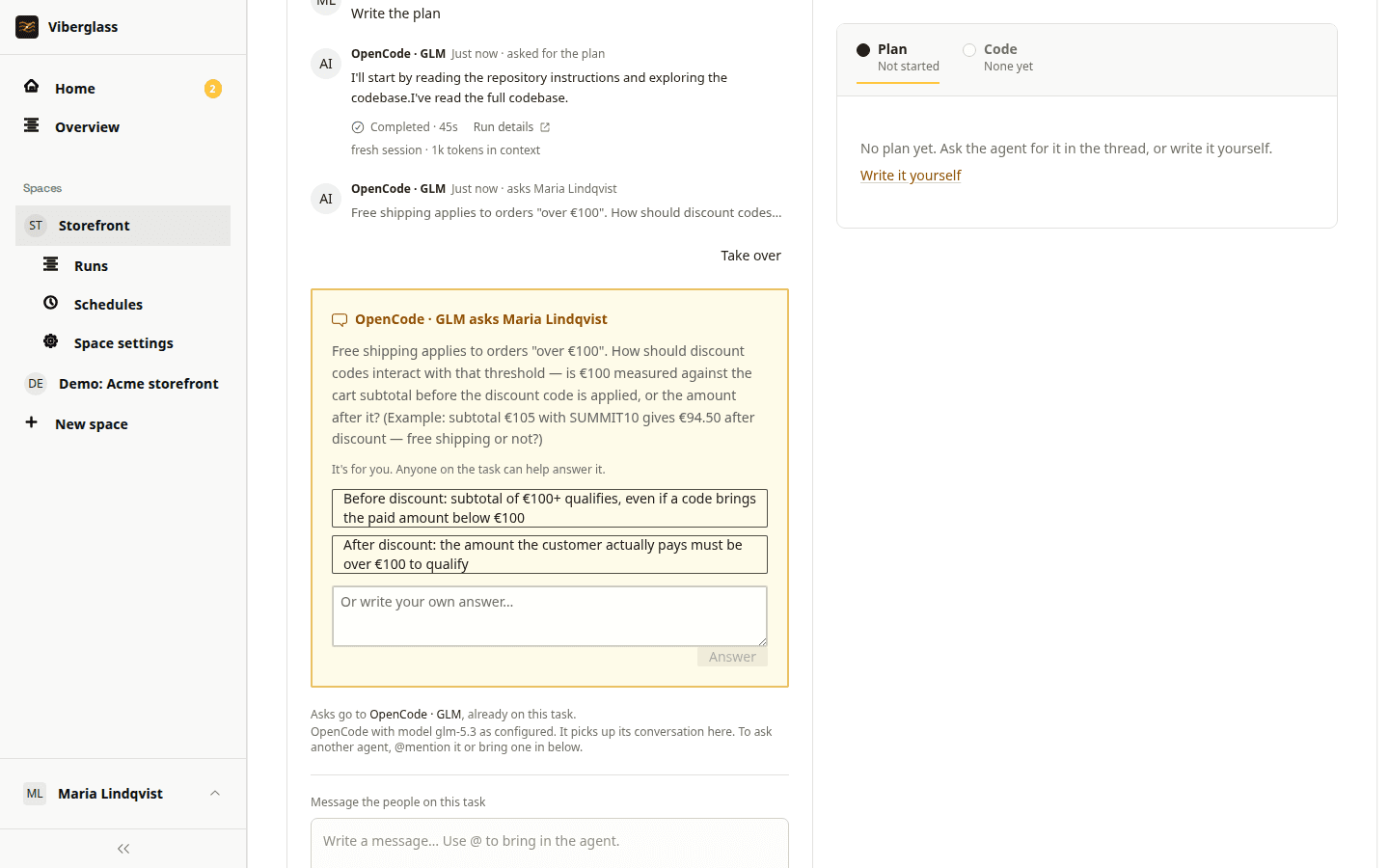
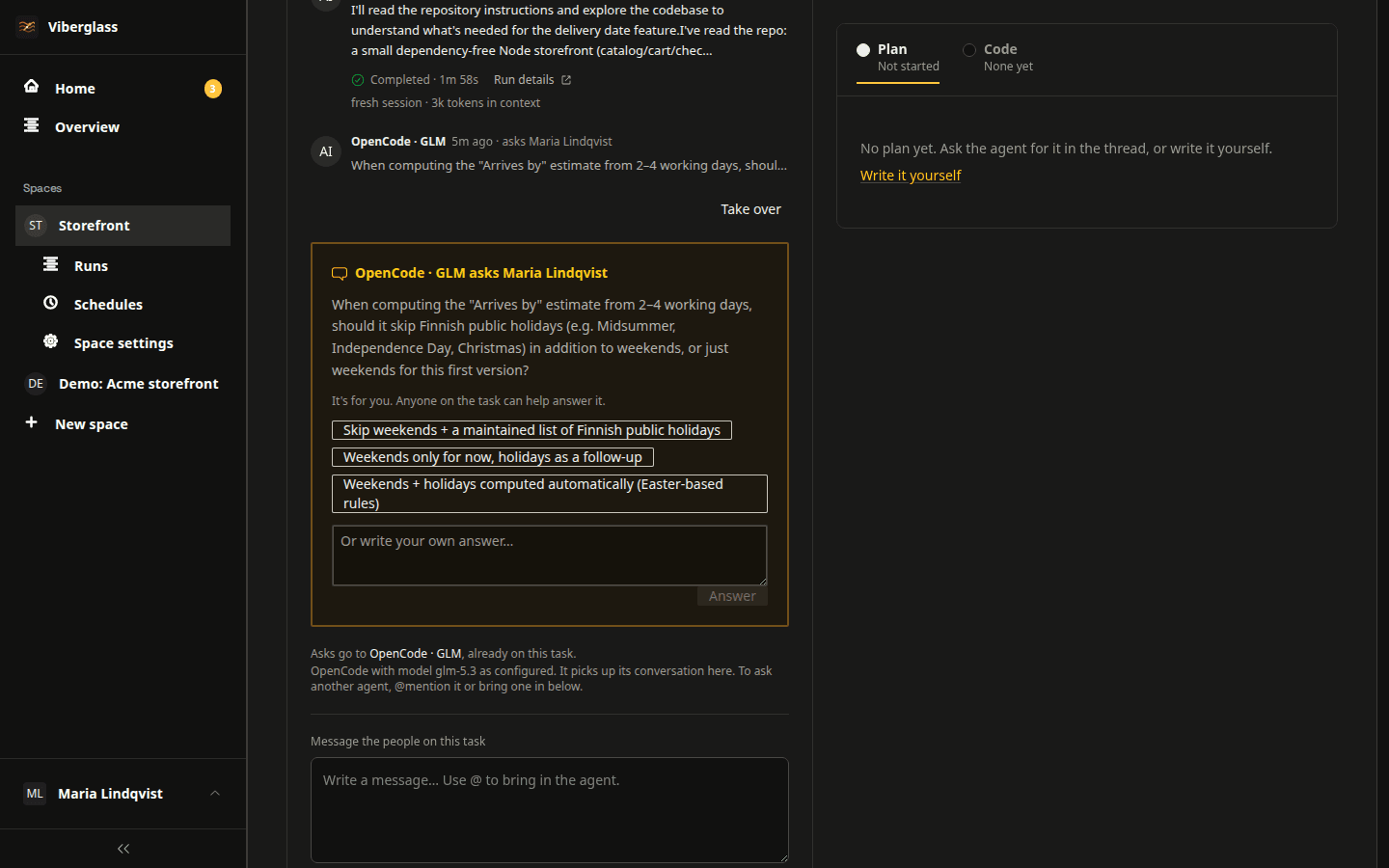
One thread for everyone involved
Each task keeps the conversation next to every version of the document. Add reviewers, @mention someone who knows the details, and let them read what was said before they joined.
The agent is working on the artifact…
Saved files · 1 added, 1 changed · 7 files
From Slack
Use /viberglass to start a task from a Slack thread. Replies go to the task, you can answer the agent's questions in Slack, and the thread links to each new version.
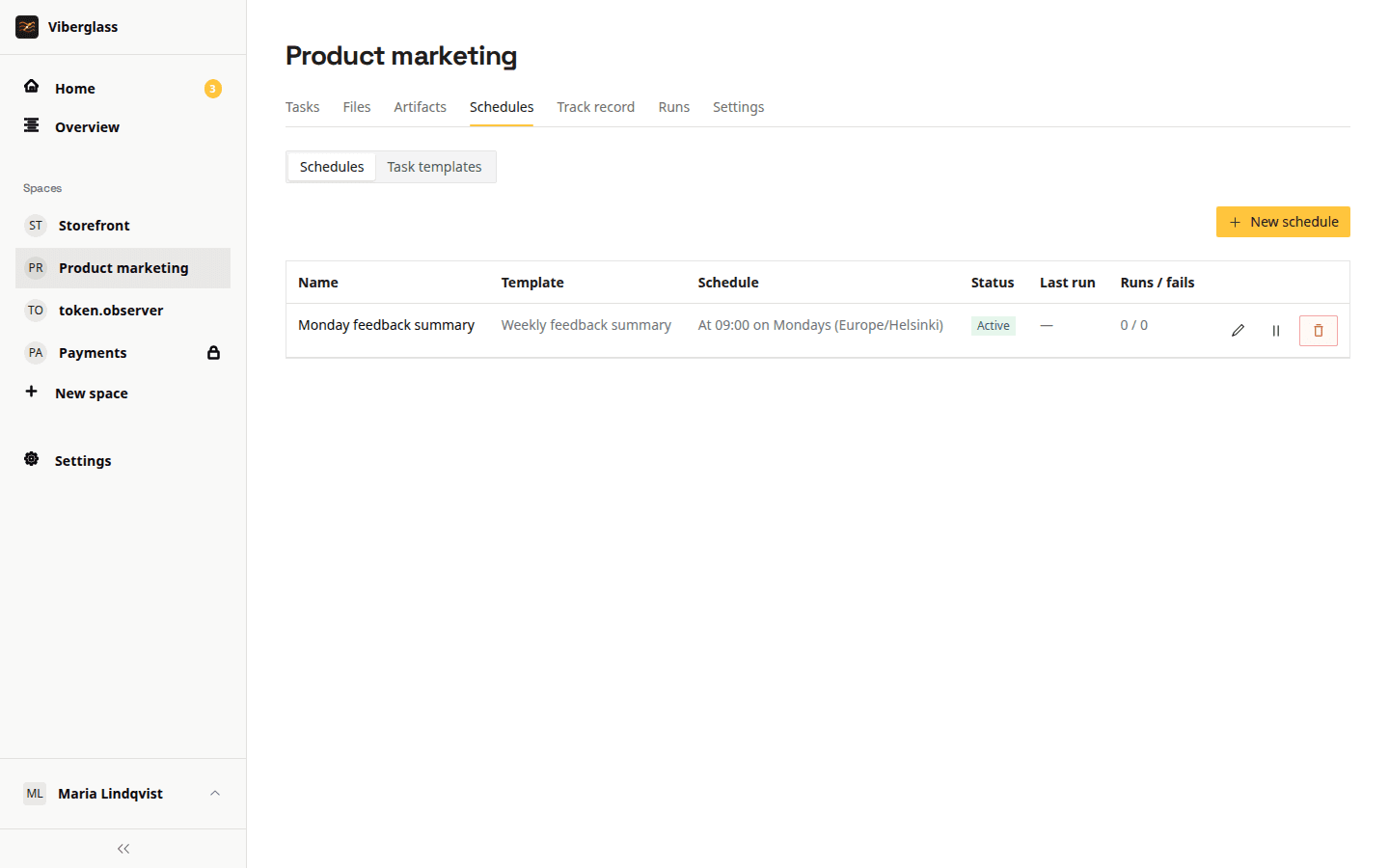
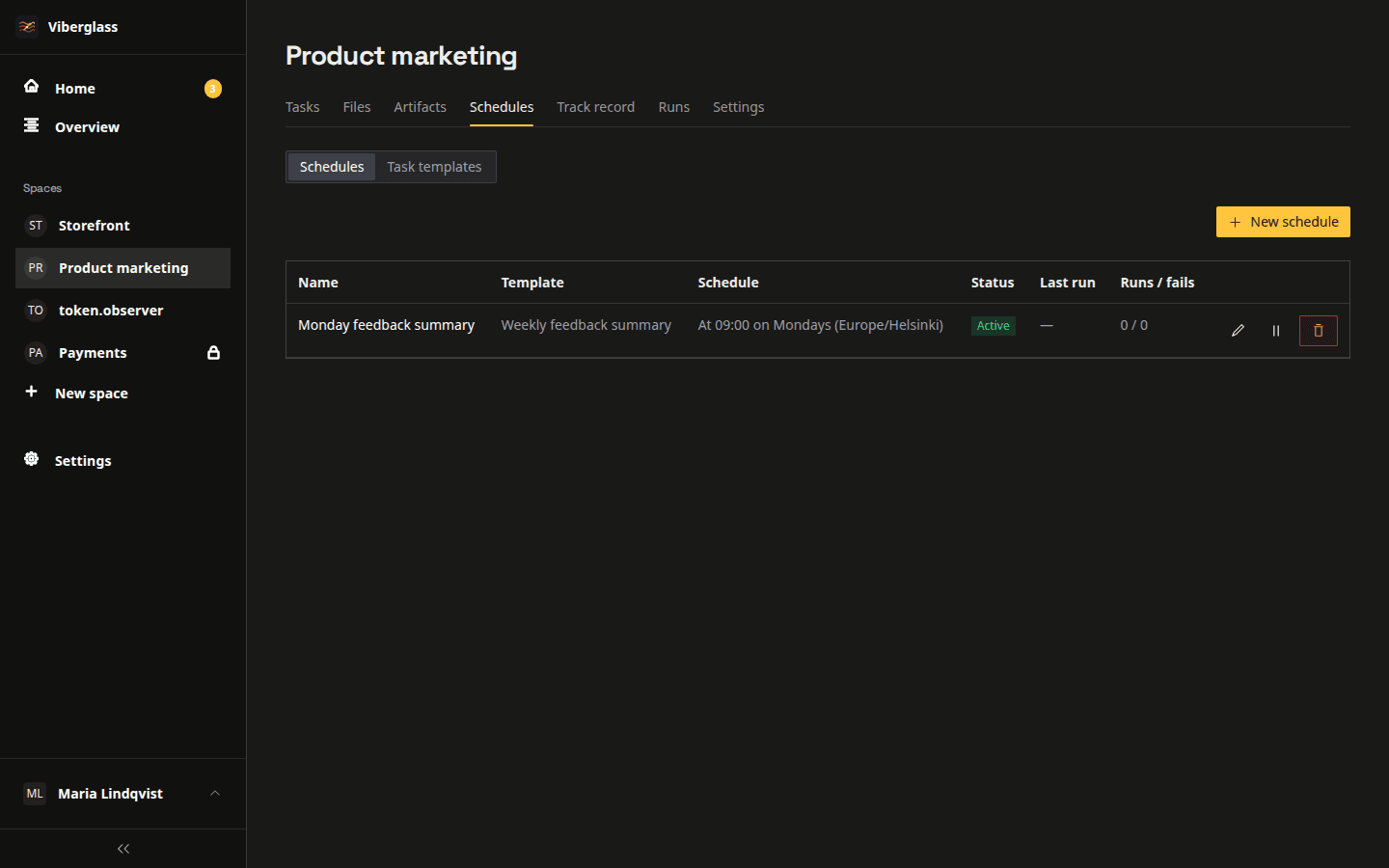
Reports on a schedule
Set a schedule for recurring work, such as a weekly summary or a monthly report. Each run follows the instructions you wrote and leaves its result on the space's Artifacts page.
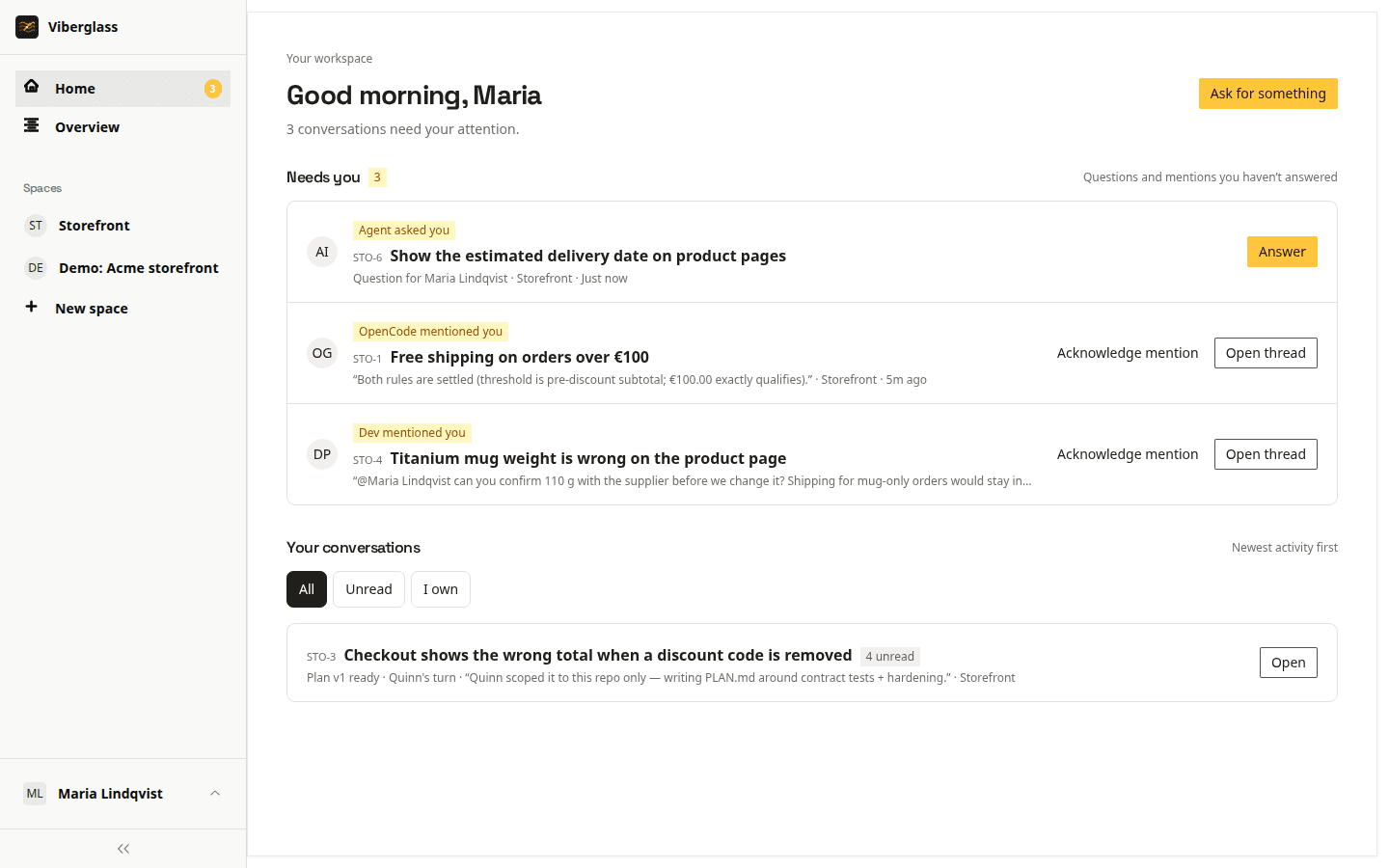
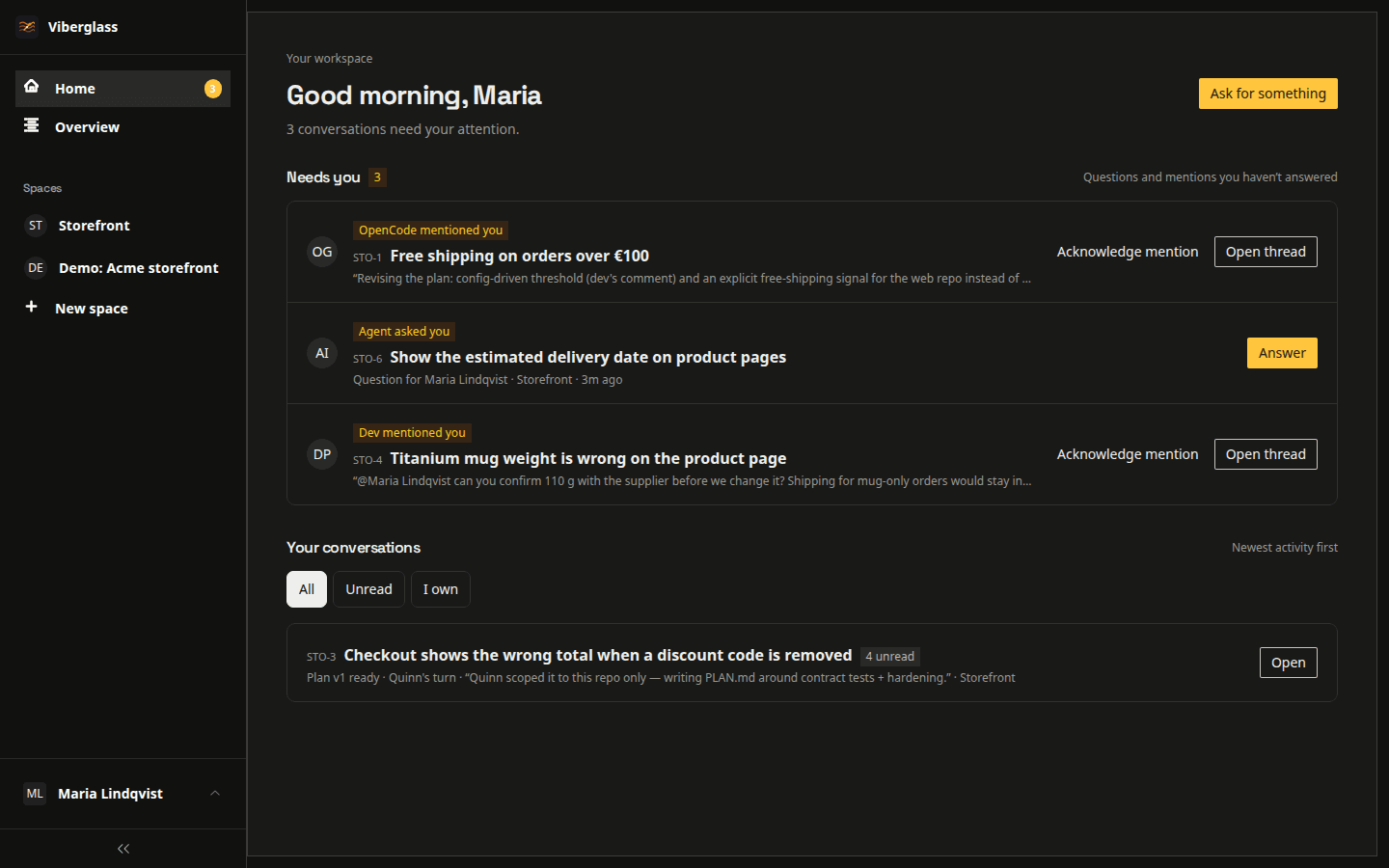
Knowing when you're needed
Home lists the questions, review requests and mentions waiting for you. Slack and email notifications tell you when a document is ready to read.
Questions about documents
Bring your team's AI work into one place
Install Viberglass and create a documents space. It needs no repository to get started.