Simple to run on your own servers
Viberglass starts with one Docker command and a short setup in the browser. One person who knows Docker can install it, and the rest of the team can start using it the same day.
$ git clone https://github.com/Ilities/viberglass.git$ cd viberglass$ docker compose up -d
- Open http://localhost:3000 and create the admin account.
- Paste a model key, or connect a coding plan or your own model.
- Name your first space: an app, documents or a GitHub repository.
- Invite your team.
Start on one machine, move when you need to
Try it on a laptop, then run it for the team on one Linux server with HTTPS. Helm and Pulumi setups are there for companies that already use Kubernetes or AWS.
A short list
To try it
- A computer with Docker and Git.
- A model key from an AI provider, a coding plan you already pay for, or your own model.
To run it for the team
- A Linux server with Docker, and a domain name for it.
- A wildcard domain for apps, such as *.apps.example.com.
- A GitHub account or organisation for code changes and for the repositories apps live in.
- Optionally Slack and an SMTP server for notifications.
Watch an install from the first command to the first app
Less to run than the tools it replaces
Apps
Viberglass builds each app, runs it, handles sign-in, backs up its data and rolls it back when asked. Apps can't reach Viberglass's database, its storage or each other.
Agents
Every agent run gets its own container and leaves a record of what it did. Secrets set for apps never reach an agent.
Upgrades
Upgrading is two commands: docker compose pull and docker compose up -d. Database migrations run by themselves when the new version starts.
Agents, models and records
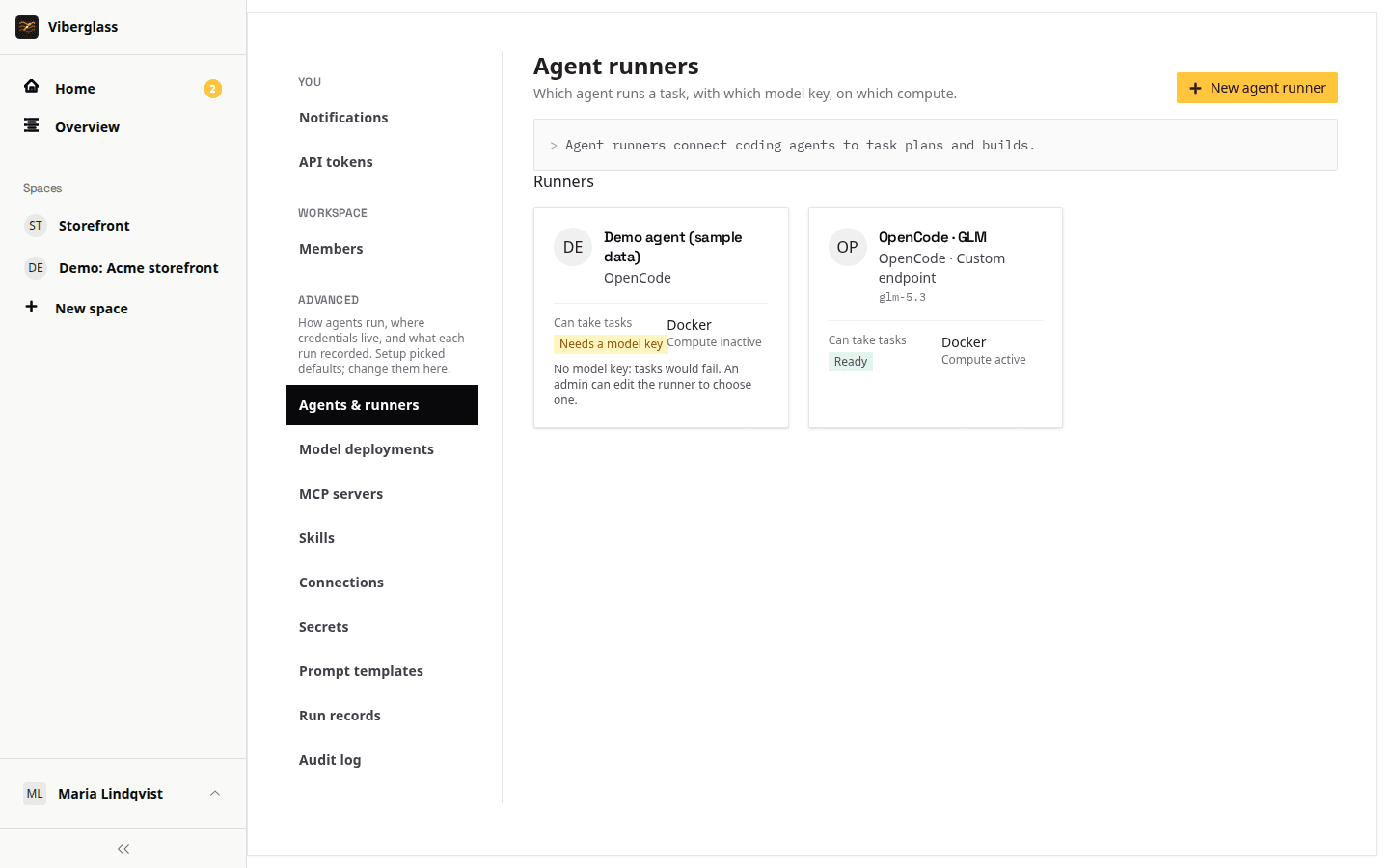
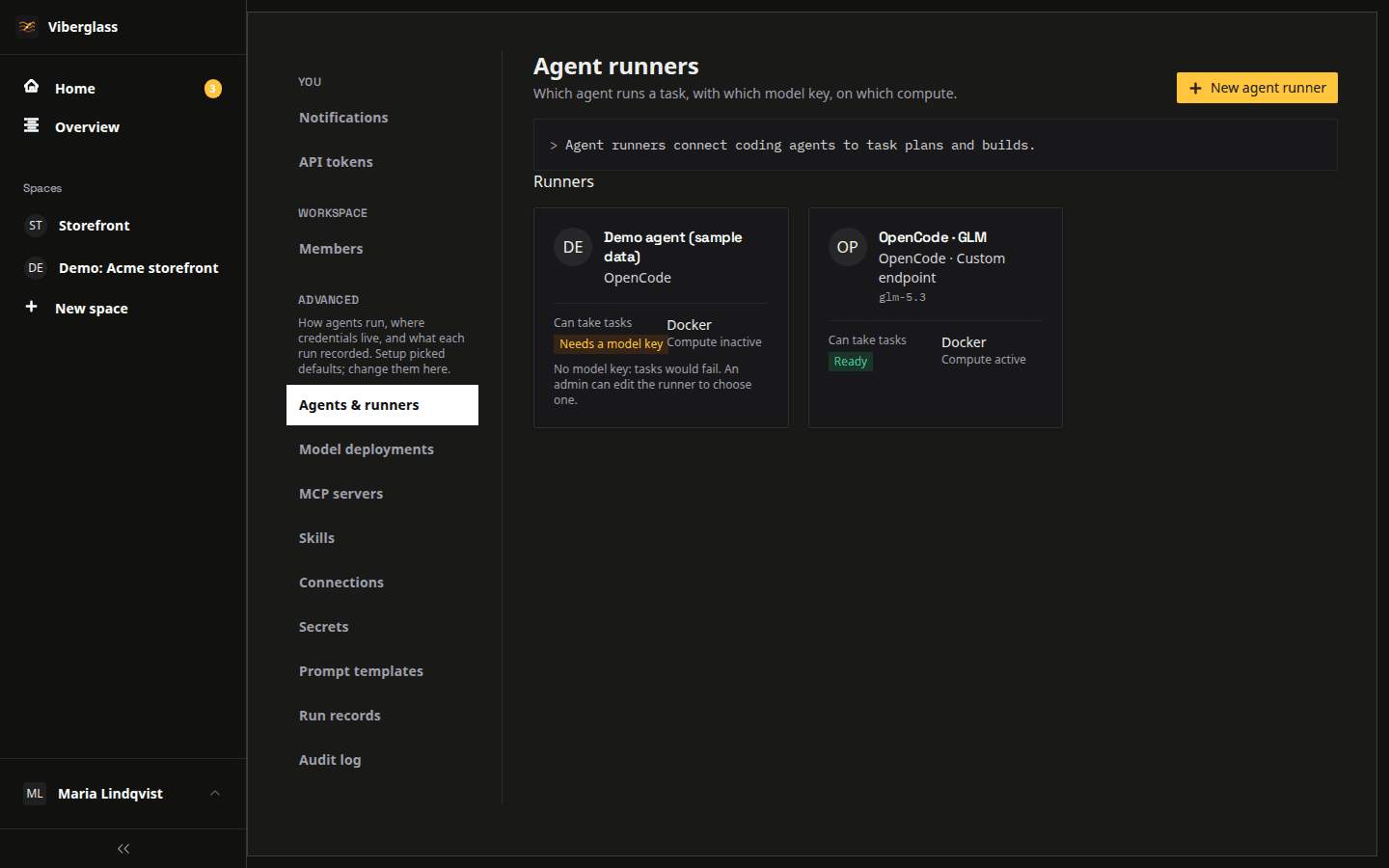
Bring your own agent
Claude Code, Codex, Antigravity, Qwen Code, Mistral Vibe, OpenCode, Kimi Code and Pi. Use provider keys or a coding plan for each agent. OpenCode and Pi also connect to compatible model endpoints, including models you host yourself.
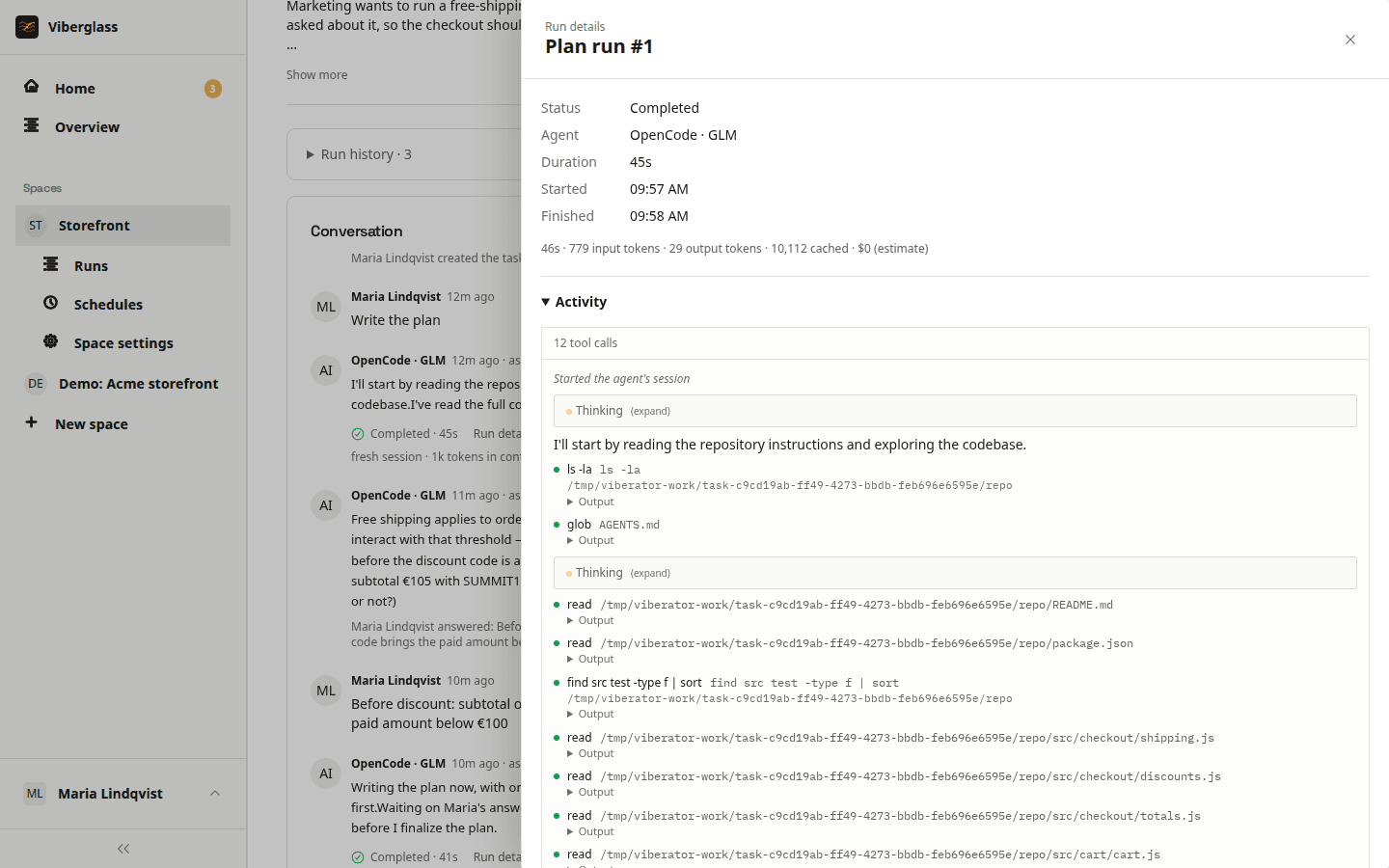
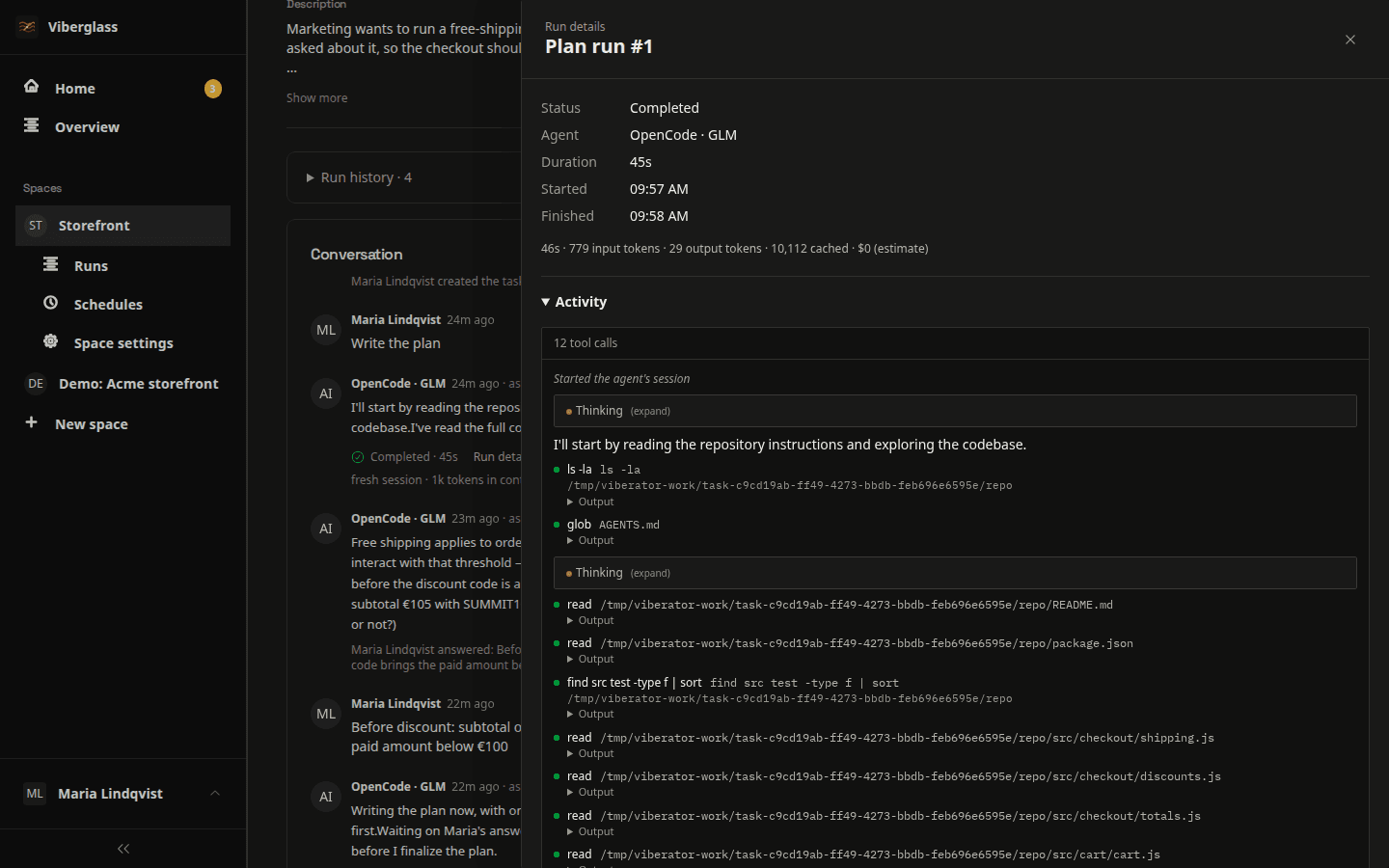
A record of every run
Each run keeps its prompt and the agent's activity, including tool calls, with usage and cost when the provider reports them. Model requests go only to the provider you configure.
Questions about running it
Install Viberglass
The Docker guide covers a local installation and a shared server with HTTPS.