Changes to your product, reviewed before they ship
Support, product and marketing describe the change they need. The agent plans it with them, asks its questions in the thread and opens a GitHub pull request. Your engineer reviews it, or takes over the branch when that's quicker.
Changes anyone on the team can ask for
Your product, your website and the small services around them, each in its own GitHub repository.
“A customer can't reset their password on mobile.”
A pull request with the fix, reviewed by your engineer before it ships.
“Update the pricing page on the website with the new plans.”
A pull request to the website, built from a plan the team agreed on.
“The checkout button covers the total on small screens.”
A bug report from the browser extension, with console logs, turned into a fix.
“Update our dependencies every Monday.”
A scheduled task that opens a pull request each week.
Describe, agree on a plan, review the pull request
Describe the change
Write a task in a code space, called a Git space in Viberglass, which is linked to one of your GitHub repositories. Add screenshots, steps to reproduce and the people who should review it.
Agree on a plan
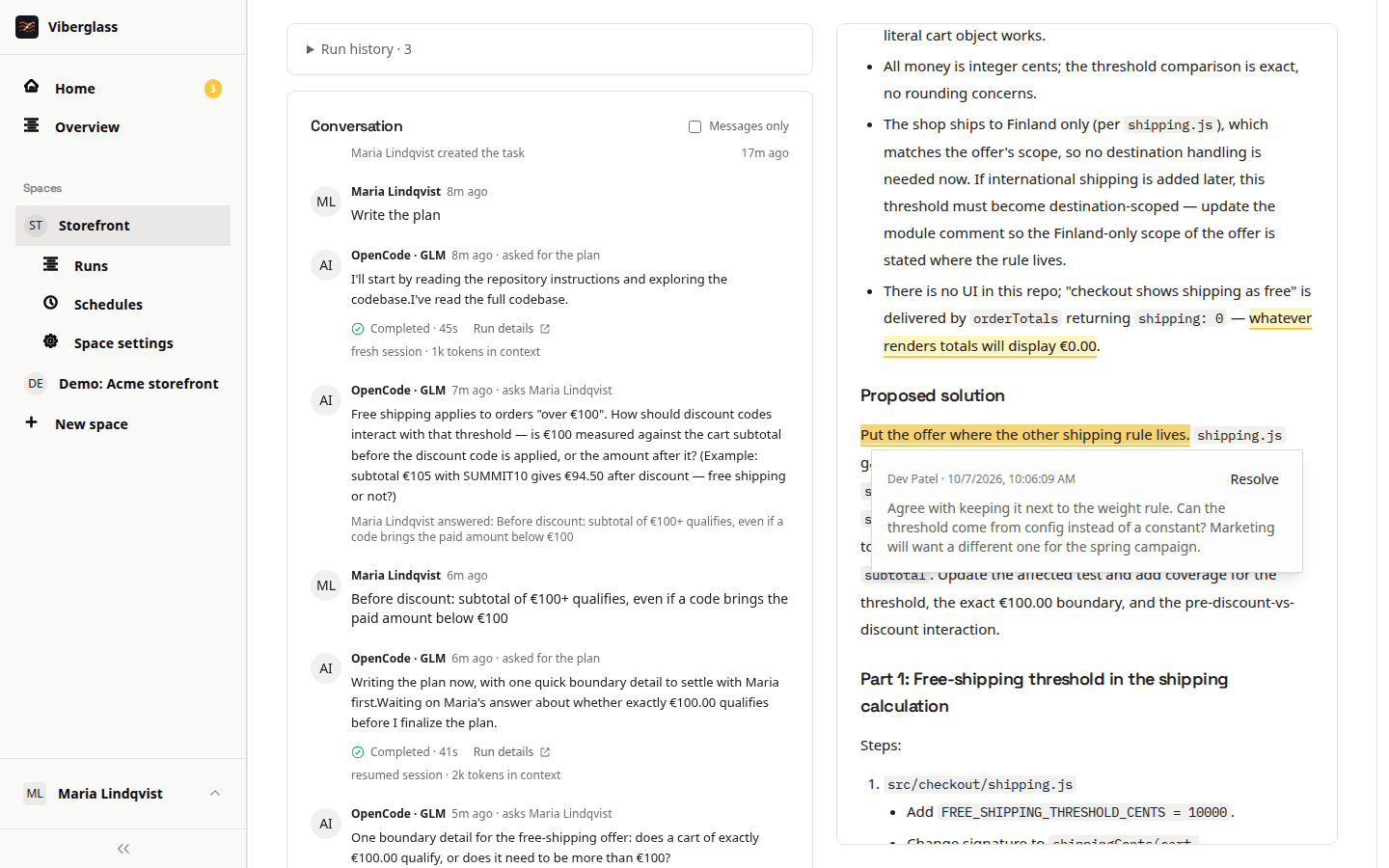
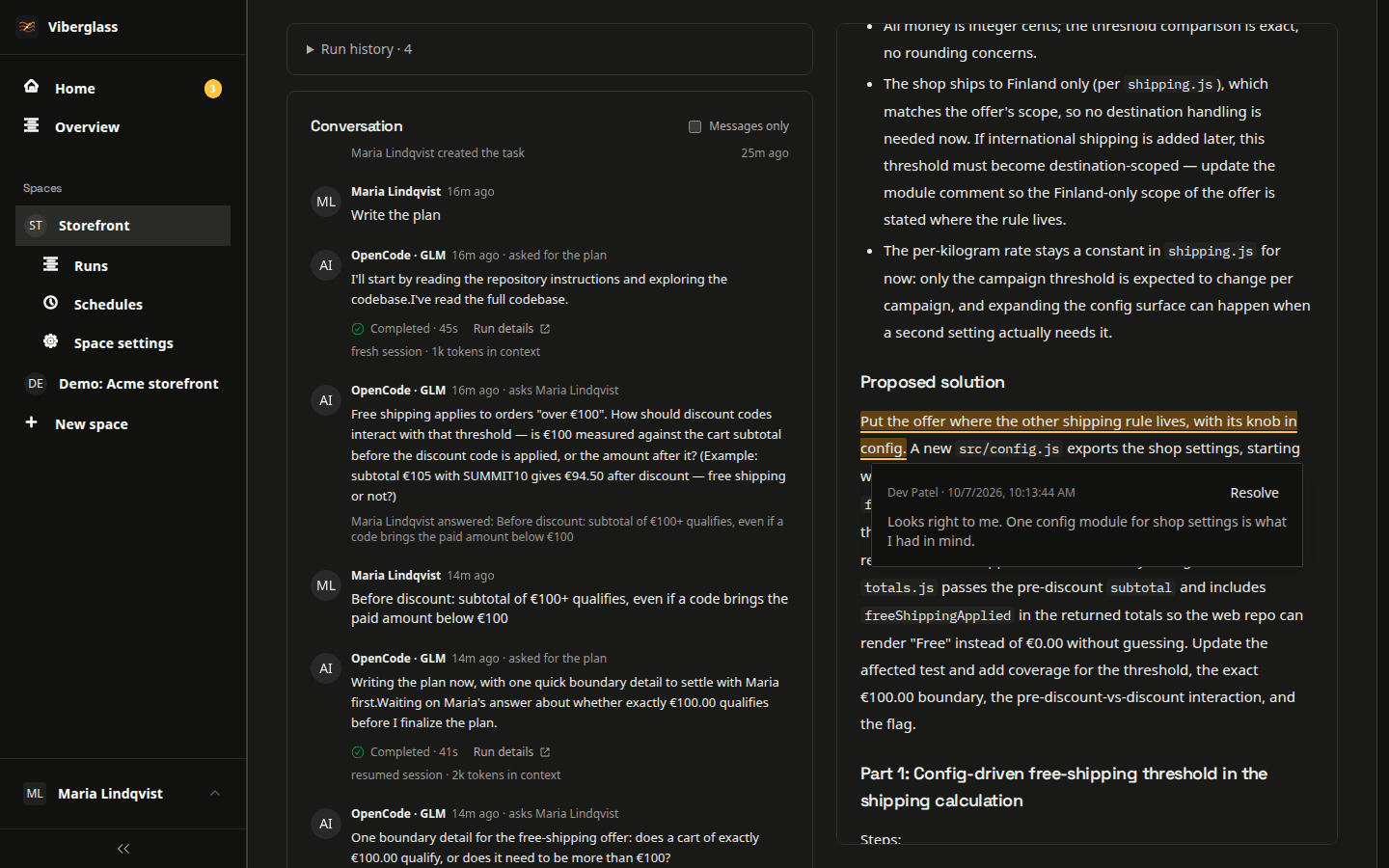
The agent reads the code and writes a plan. Comment on any line, suggest edits and ask for a revision until support, product and engineering agree. Large plans can be built in parts.
Review the pull request
The agent builds the plan and opens a pull request on GitHub. Your engineer reviews and merges it as usual, and the task records the outcome.
Watch a bug report become a pull request
Working on code with people who don't write it
Plan comments and revisions
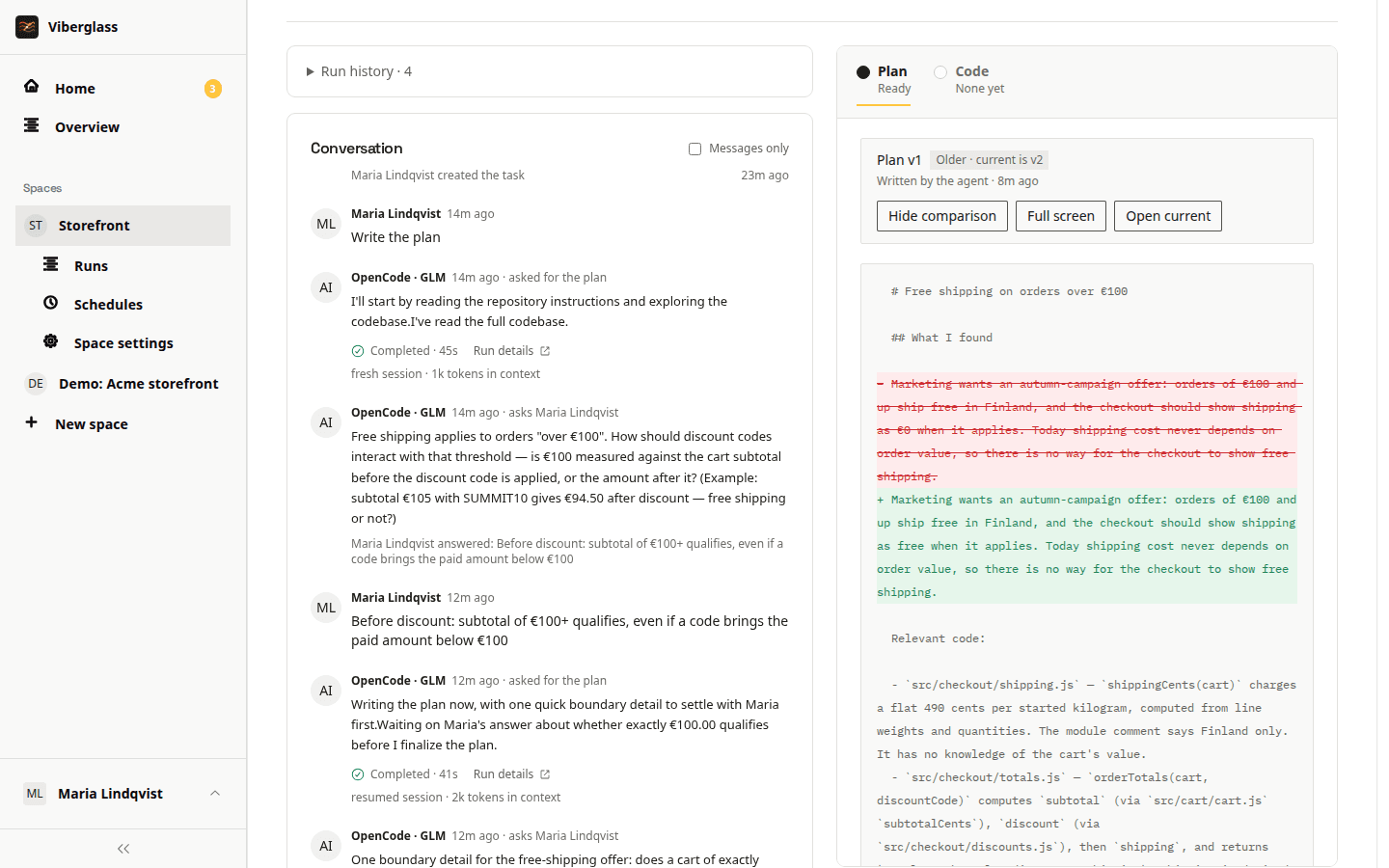
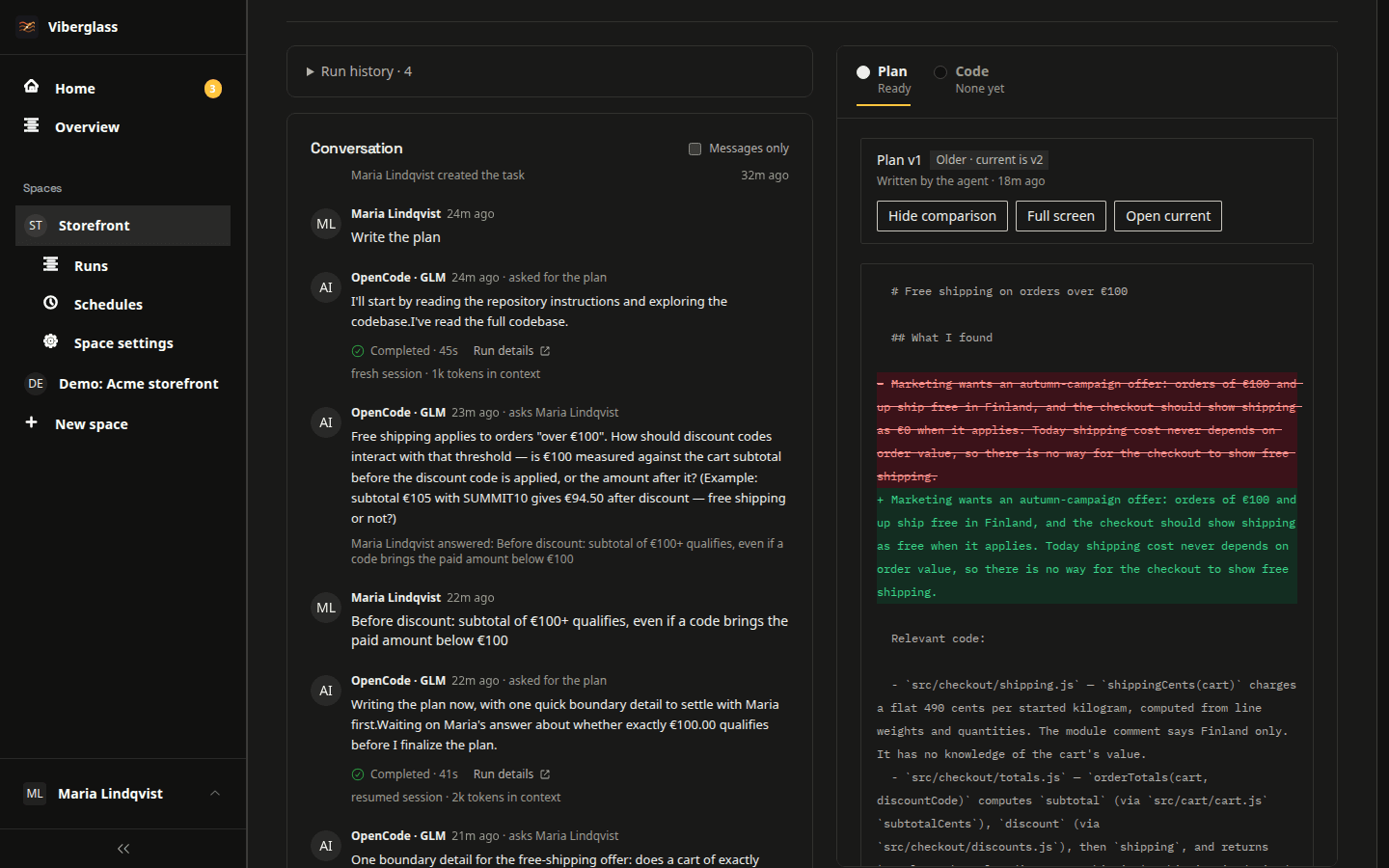
Comment on a line of the plan or suggest an edit, then ask the agent to revise it. Compare versions to see what changed before anyone builds anything.
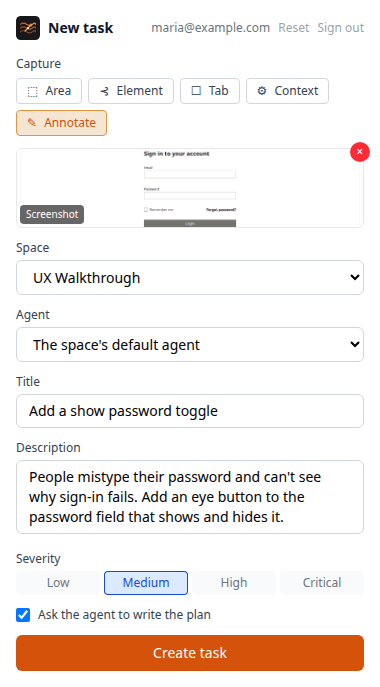
Bug reports from the browser
The Chrome extension captures and annotates screenshots or records your screen. It attaches browser details, console logs and network errors, so the agent starts with what an engineer would ask for.
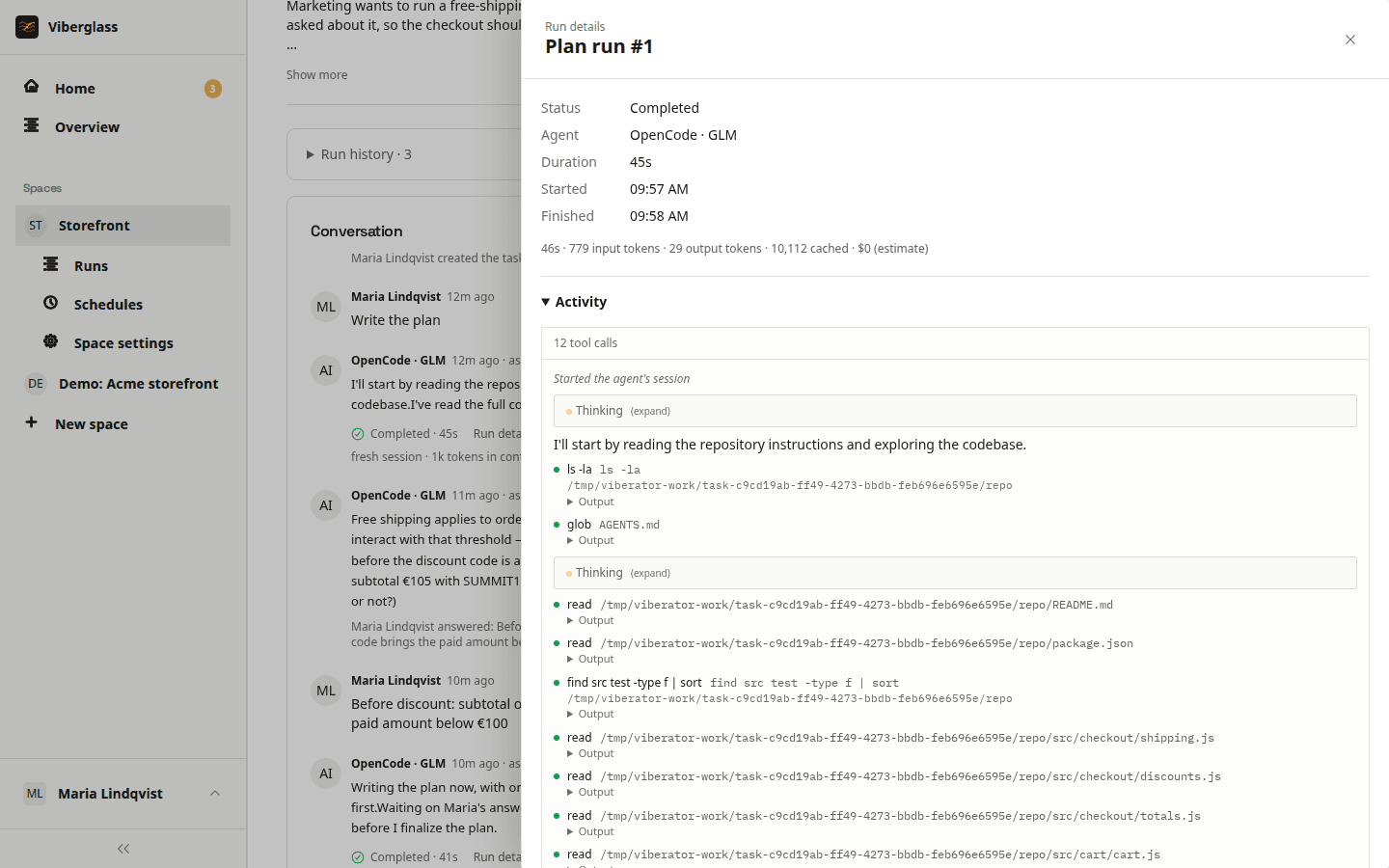
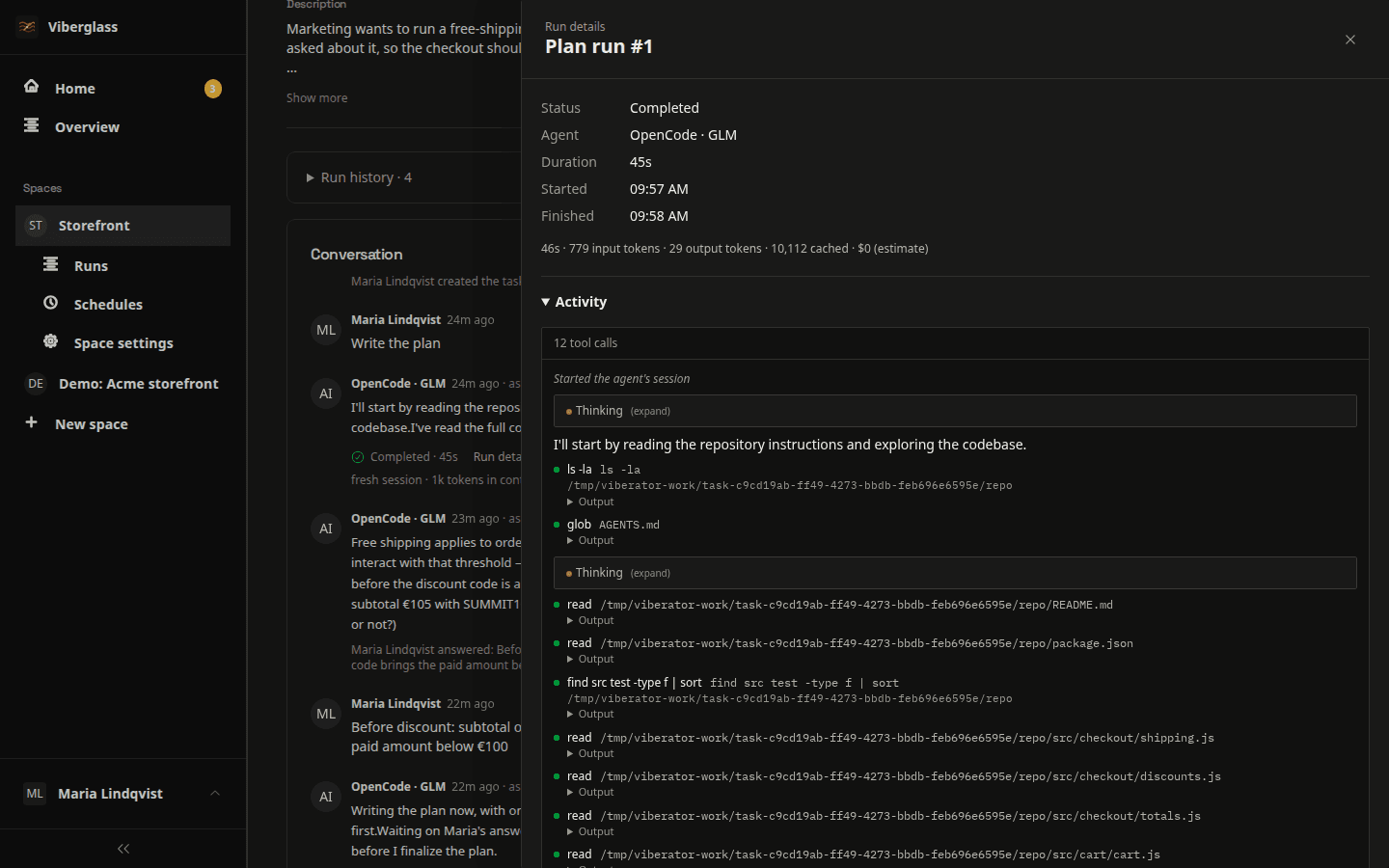
Every run on record
Each run has its own container and a record of the prompt, the agent's activity and its tool calls, with usage and cost when available. Track record compares how each agent and model did in a space.
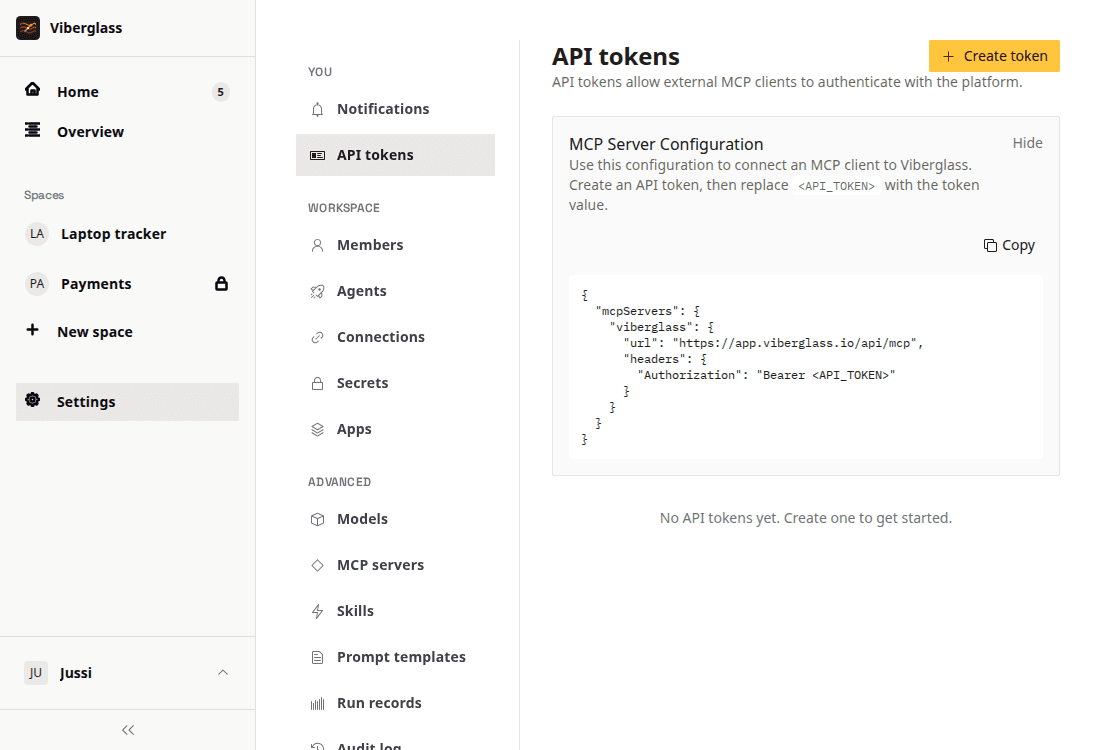
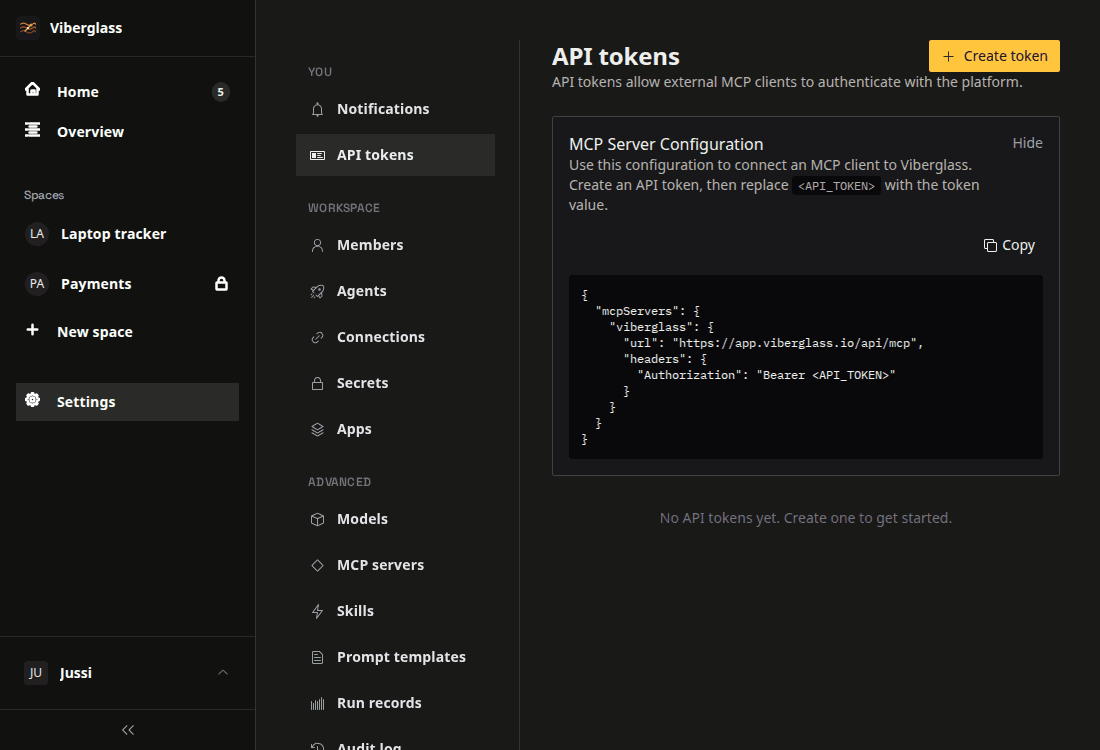
From your own editor
Connect Claude, Cursor or another MCP client with an API token. It can list tasks, create one, ask for a plan or a build, and add review comments.
Questions about code changes
Let the whole team ask for changes
Install Viberglass, connect a repository with a GitHub token and write the first task.