About Viberglass
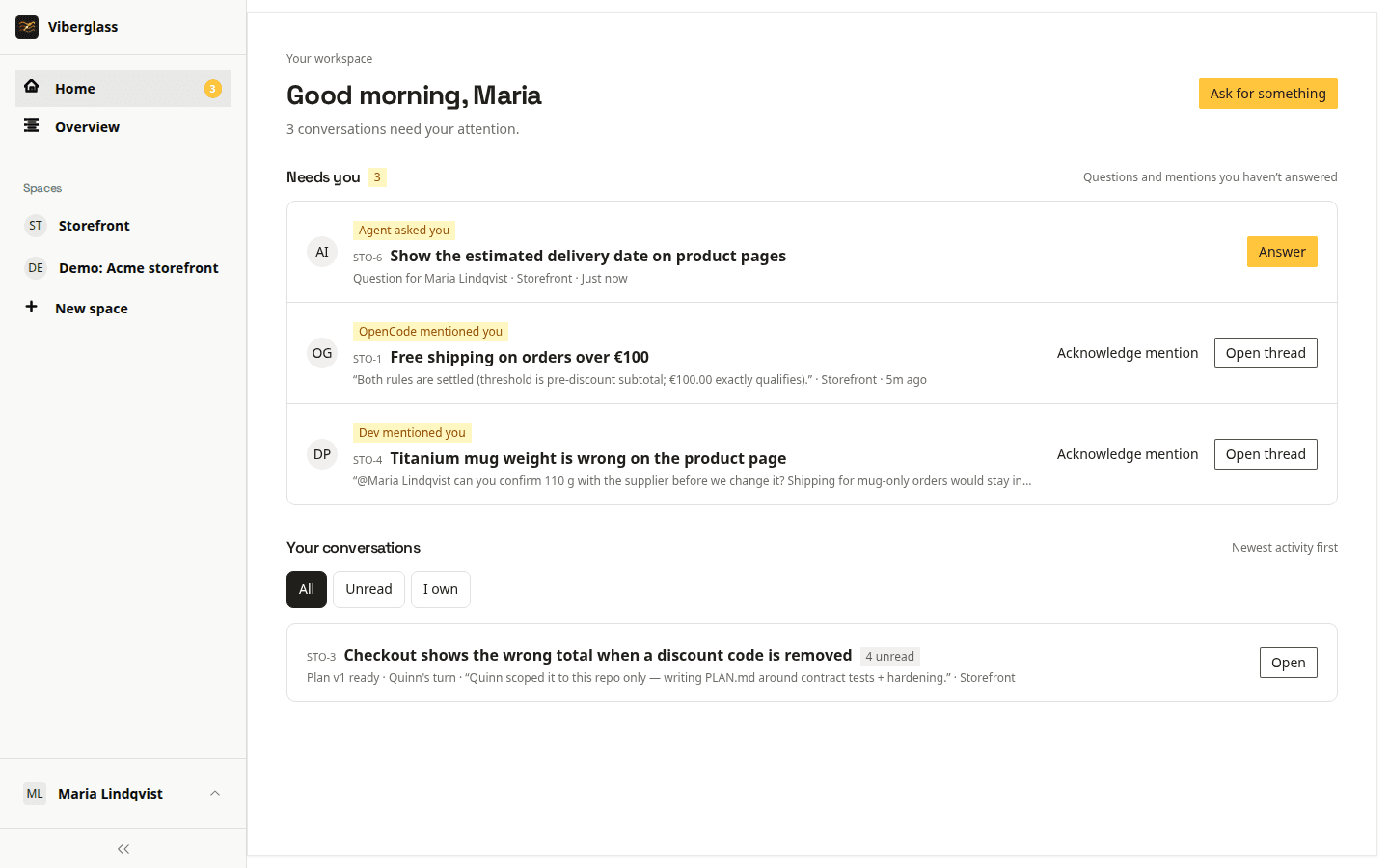
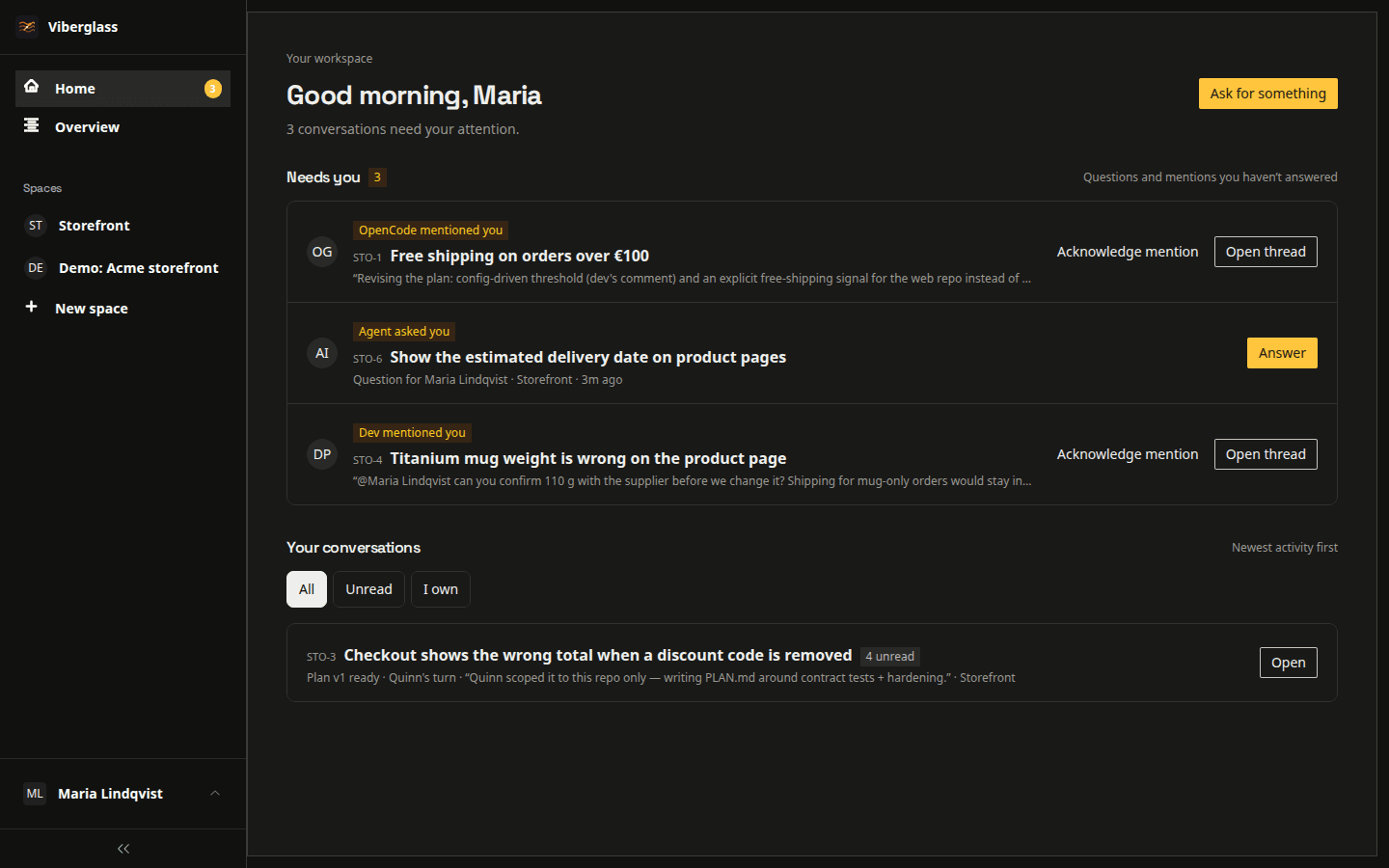
Viberglass is a self-hosted application for teams working with AI agents. People can work on code changes or create documents and other files in a shared task. Code is reviewed through GitHub pull requests; artifacts can be reviewed and revised directly in Viberglass.
Why I built Viberglass
At work, I watched people outside engineering start using Claude Code and Codex to change our application themselves. Product managers and support staff knew what needed changing, even when they had never opened the repository. I wanted them to be able to do that with engineering involved in reviewing the work.
I started with Vibug, a widget for sending bug reports from a web app to an agent. It captured the initial report, but follow-up questions needed somewhere to go. I also worked on Ctxpack, which bundles tools and integrations for an AI assistant. Viberglass combines those ideas with a task thread where people can answer questions and review the agent's plan.
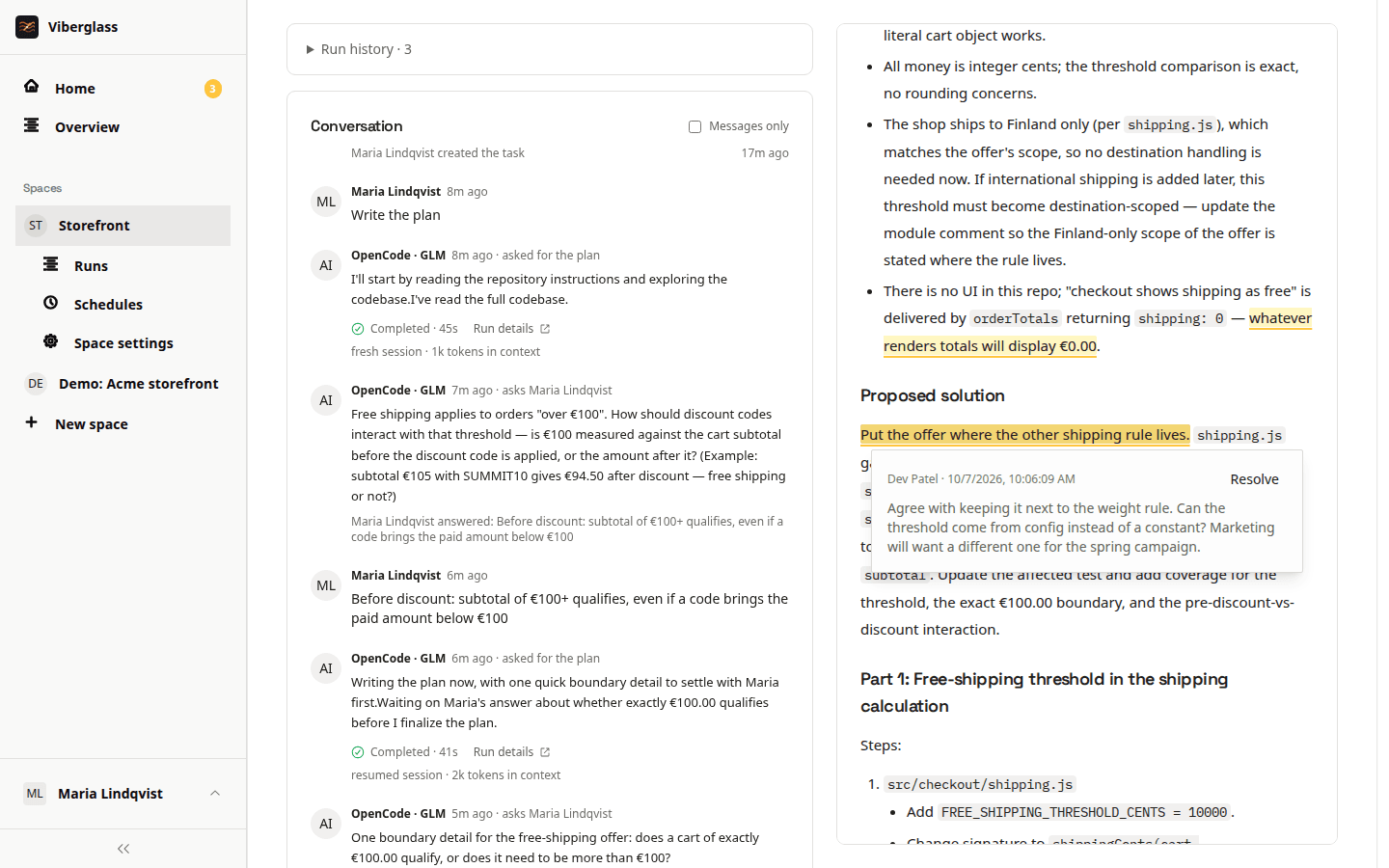
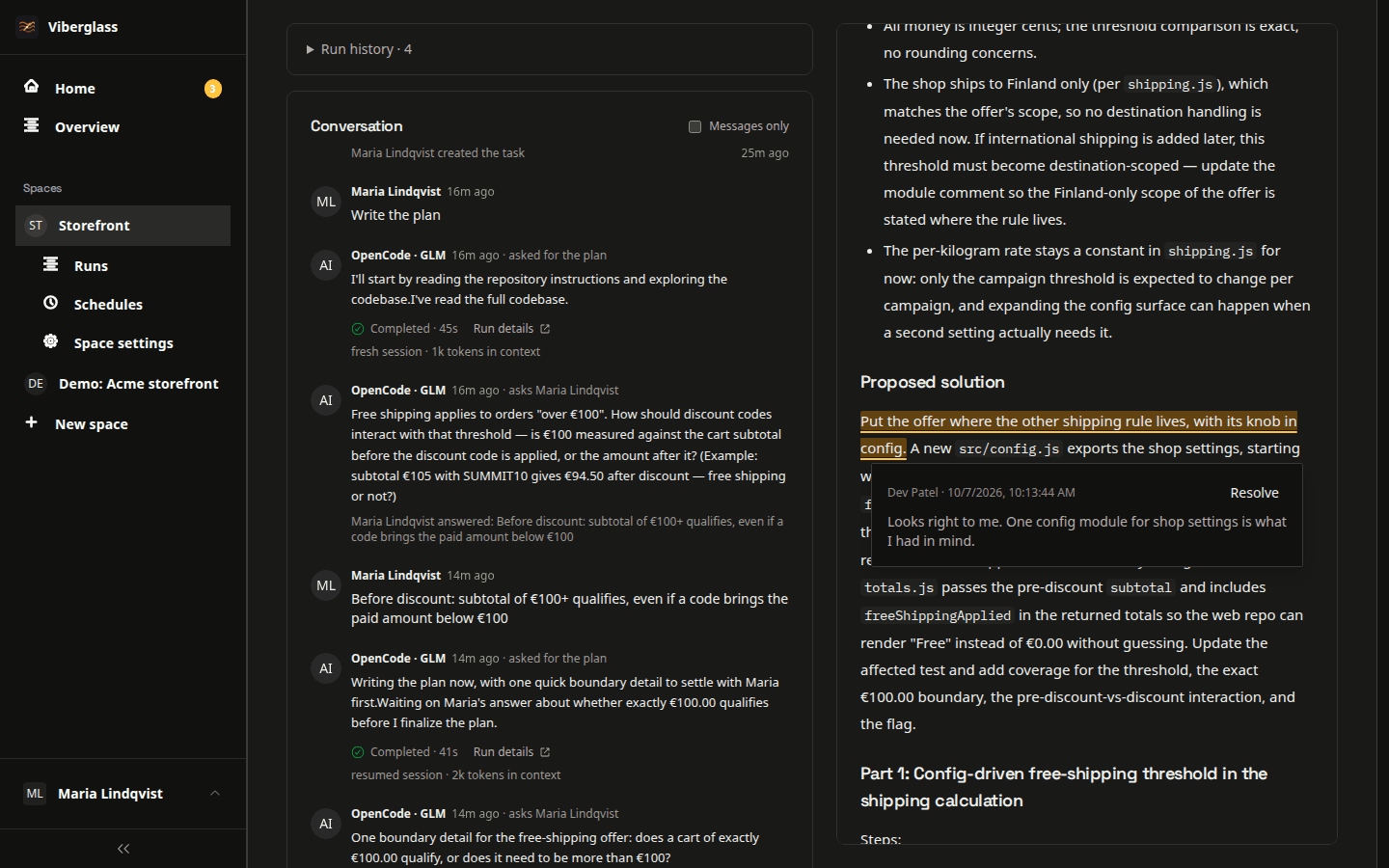
The early version followed a sequence of research, planning and building. I changed it after finding that discussions were separated from the work they referred to. A comment could be visible to a teammate without reaching the agent. Now the conversation, plan revisions and pull requests are kept on the task.
Most people I know use coding agents locally, on their own. I wanted a shared application where a support lead could explain what a customer meant and an engineer could point out a constraint in the code. Both should be able to do that before the agent starts implementing a change.
I also wanted to be able to switch agents or models without moving the team's tasks. Viberglass is open source and self-hosted, with the agent and model configured separately from the task history. You can use a hosted model provider or a compatible model you run yourself.
This is a personal project. If you try it with your team, I'd like to hear how it goes. Bug reports and suggestions are welcome on GitHub.
Jussi Hallila (Xantier), software engineer
Tech stack
Contributing
Source code, setup instructions and issue discussions are on GitHub.