Your own internal tools, instead of another subscription
Ask for the tracker, approval list or checklist your team needs. Viberglass builds it, runs it on your servers, backs up its data and decides who can open it. Nobody on the team deals with git or servers.
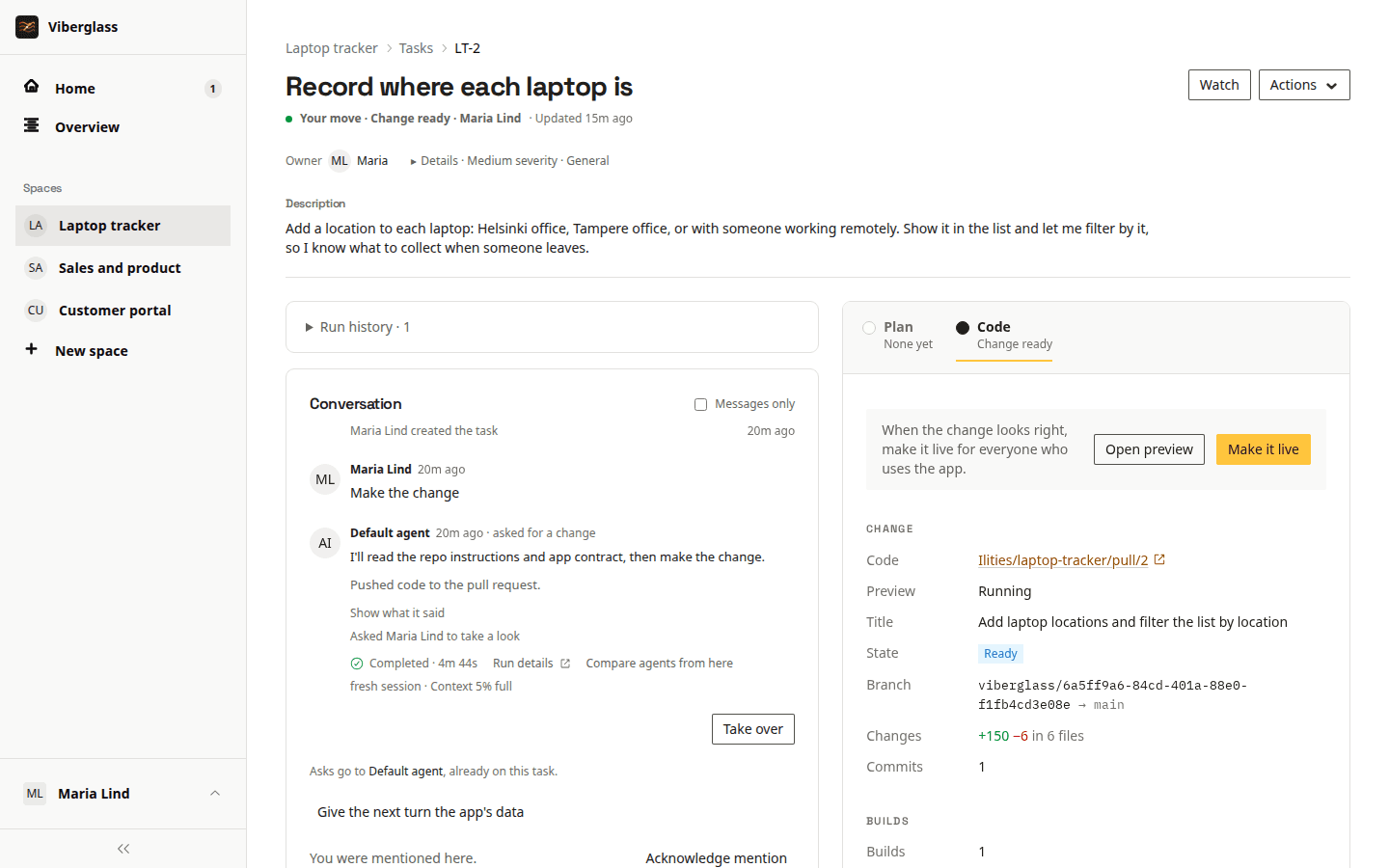
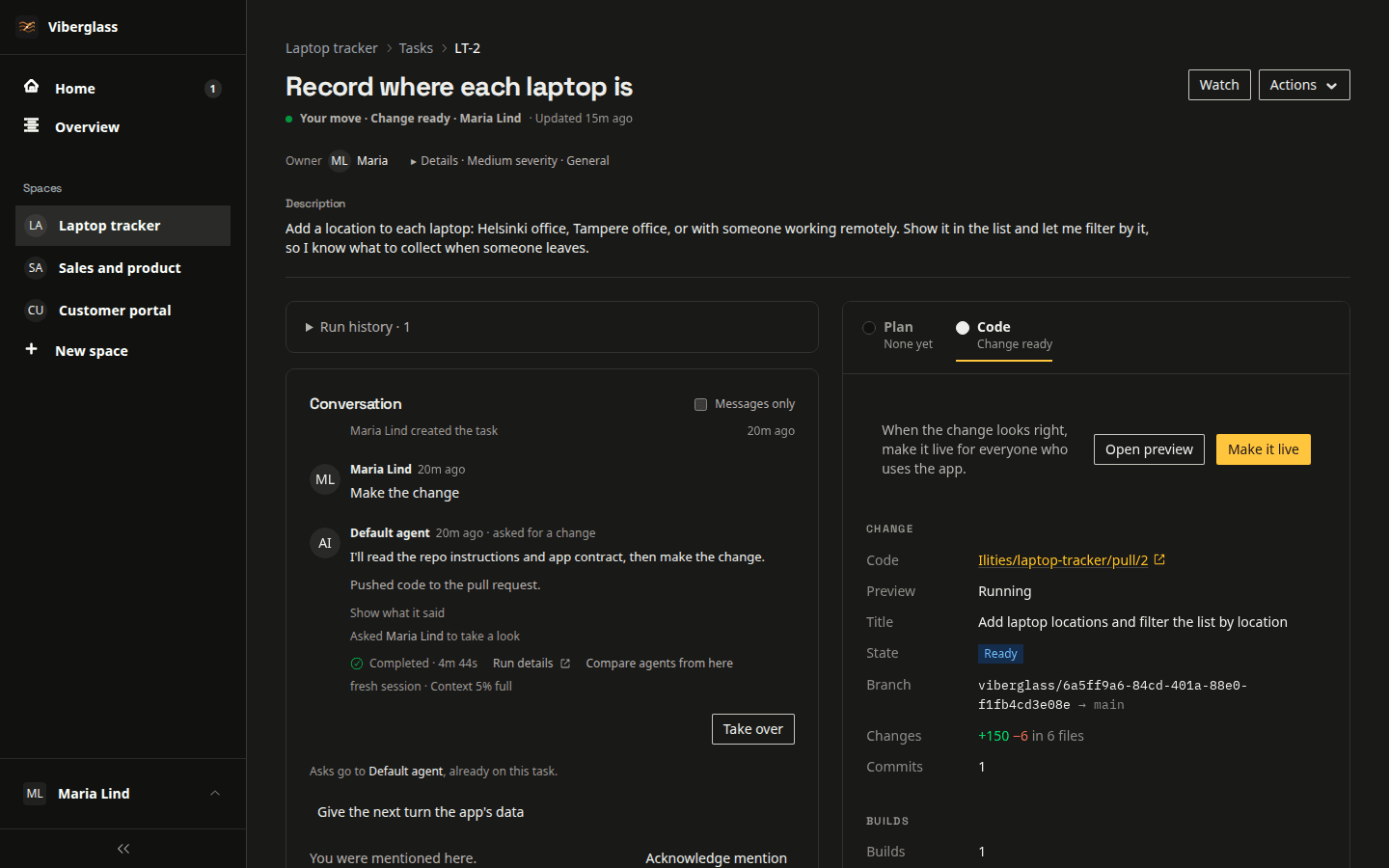
Tools small teams ask for
Each of these is one task, written the way you would explain it to a colleague.
“Track who has which laptop, and when each warranty runs out.”
An equipment tracker the whole office can open, in place of the spreadsheet.
“Purchases over 500 euros need my approval before anyone orders.”
A request form and an approval list that records who approved what.
“A checklist for each new starter that their manager ticks off.”
An onboarding checklist per new hire, instead of another subscription.
“Let people book the meeting room and the company van.”
A booking calendar for both, open to everyone on the access list.
Ask, try it, make it live
Ask for it
Write a task in an App space and describe the tool. The agent asks what it needs to know in the task's thread, and anyone you add can answer.
Try it
Try it starts a preview: the change running on a copy of your live data. Click through it and ask for changes in the thread. Nothing you do in the preview reaches the real app.
Make it live
Once the latest version has been tried, the space's maintainers or the task's owner make it live. Viberglass backs up the data first and switches over when the new version is healthy.
Watch an app go from request to live
Looking after an app
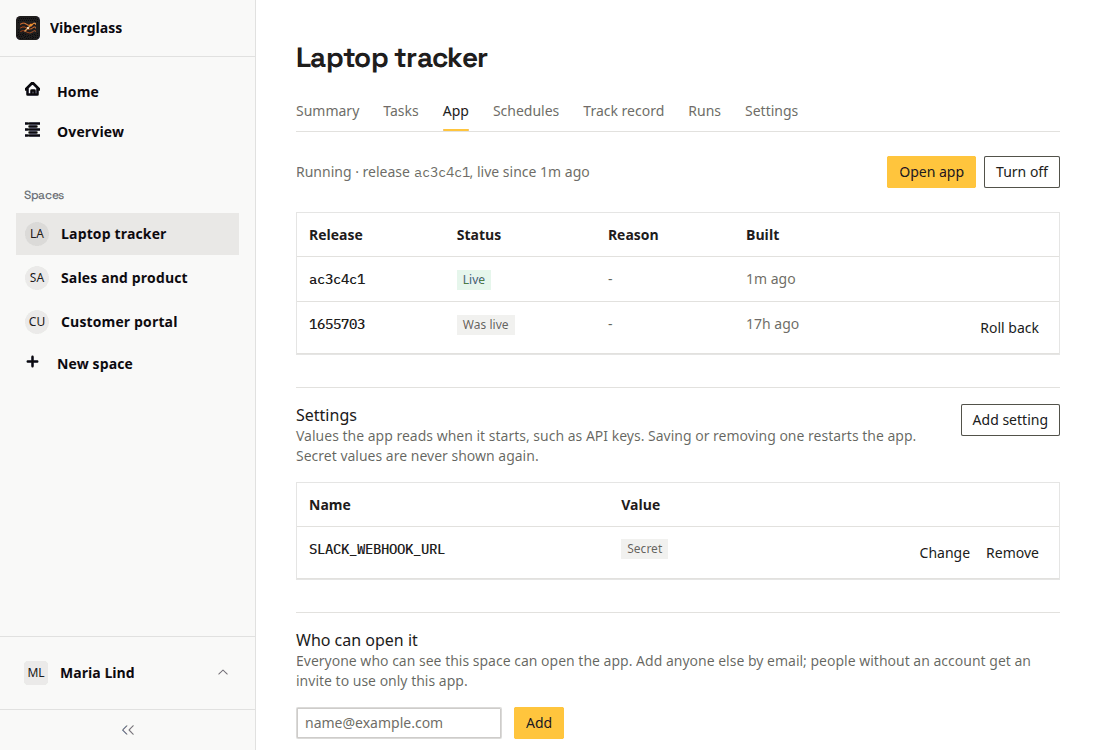
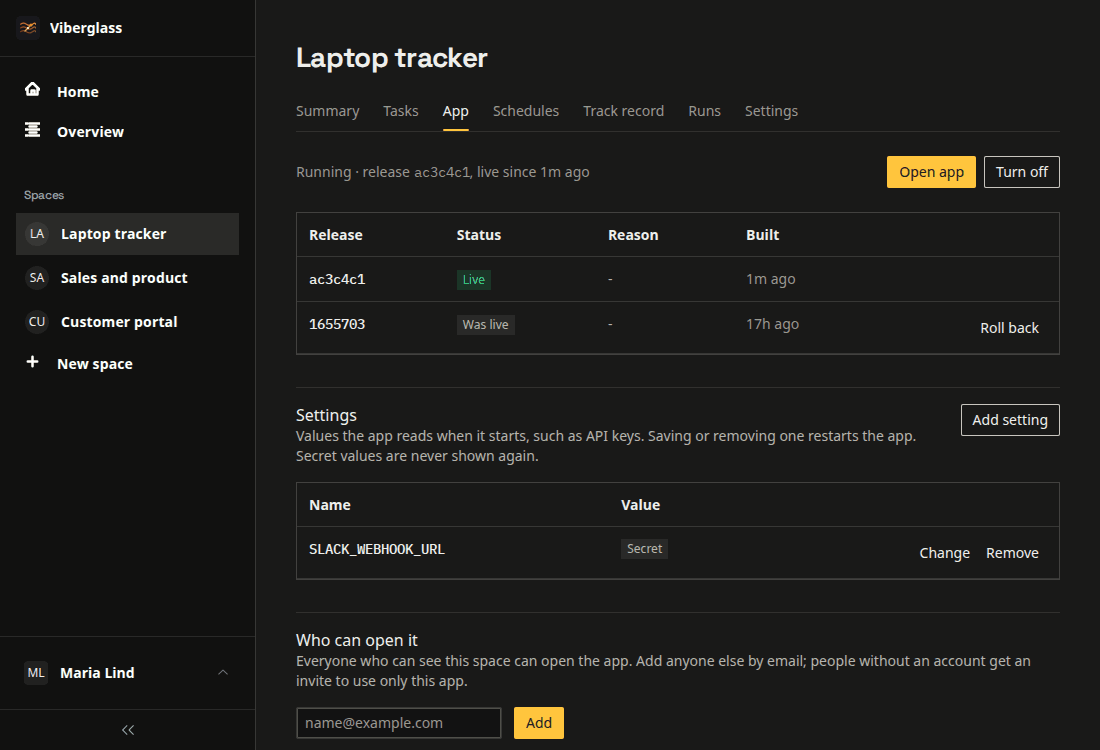
Releases, backups and rollback
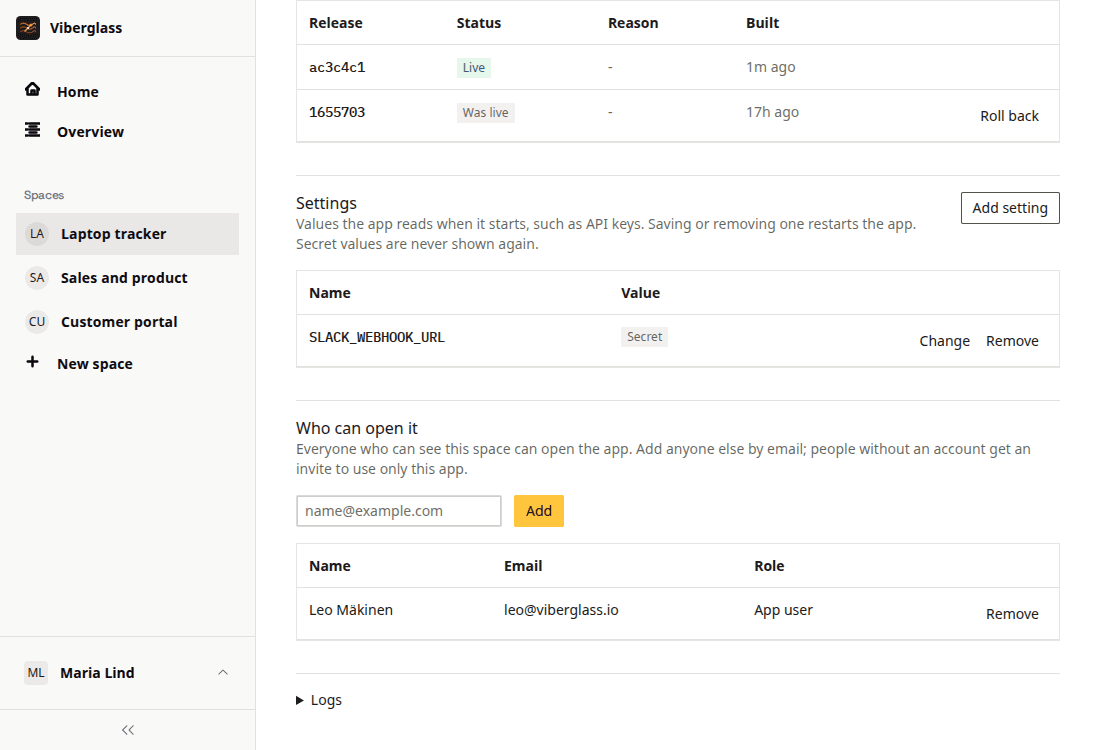
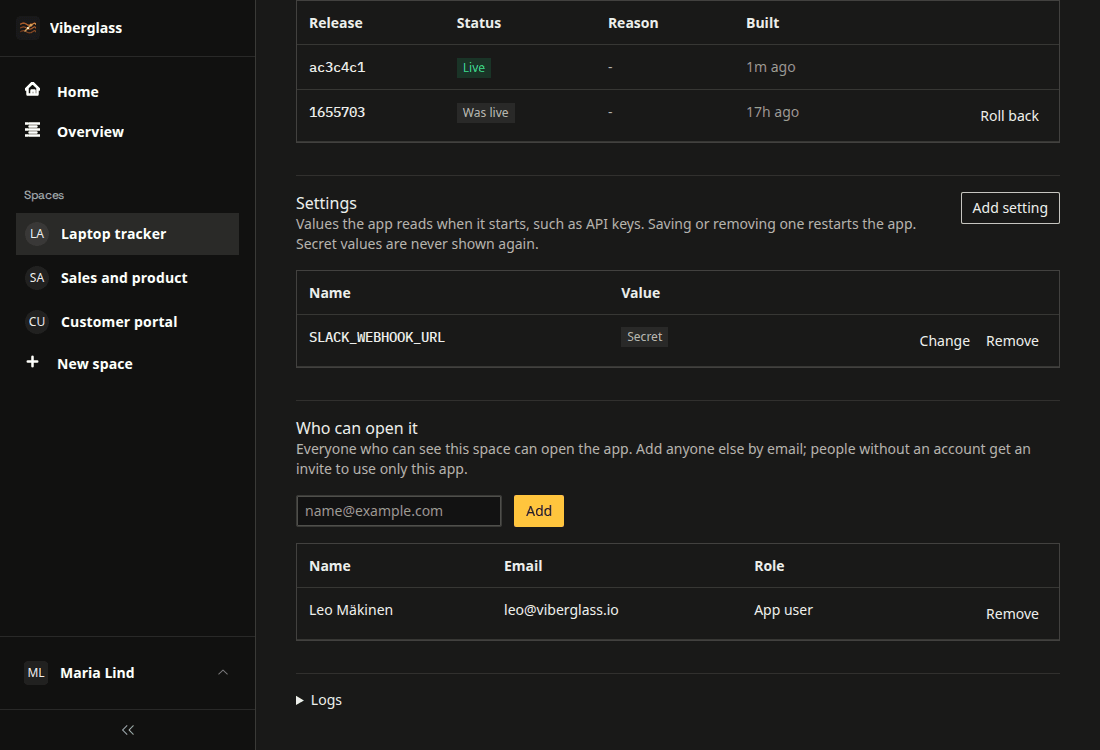
Every change made live becomes a release, with a backup of the data taken just before it. If a new release fails its health check, the previous one keeps running. Maintainers can roll back to an earlier release, with its code alone or with its data as it was.
Who can open an app
Each app has its own address under your apps domain and asks for Viberglass sign-in. The space's members can open it, and maintainers can add anyone else by email. People who only use apps see a list of their apps and nothing else in Viberglass.
Settings and secrets
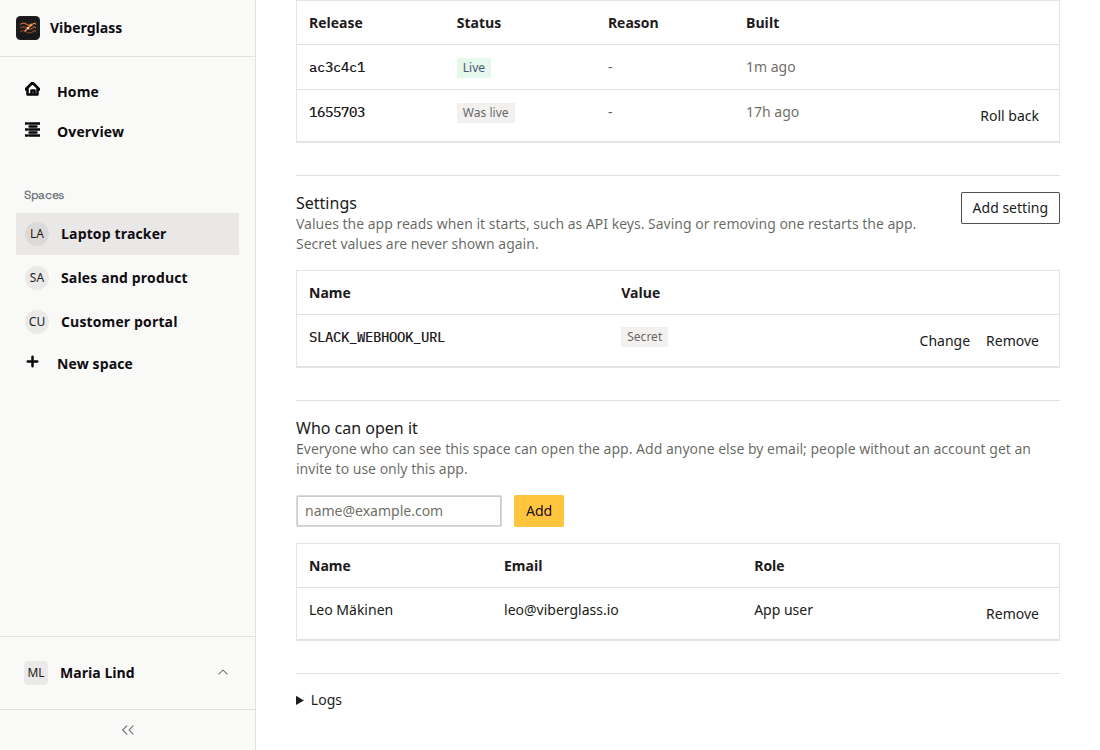
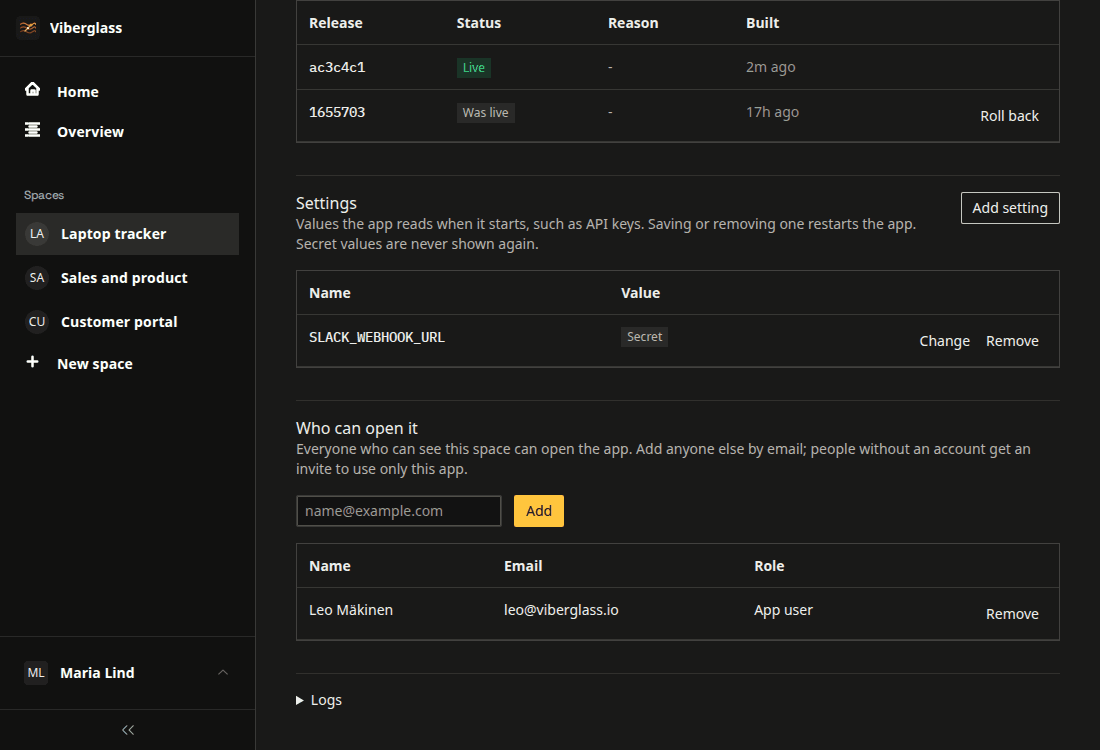
Maintainers set the values an app needs, such as an API key for another service, as plain or secret settings. Secrets never reach the agent, and previews get them only when a maintainer allows it.
On when you need it
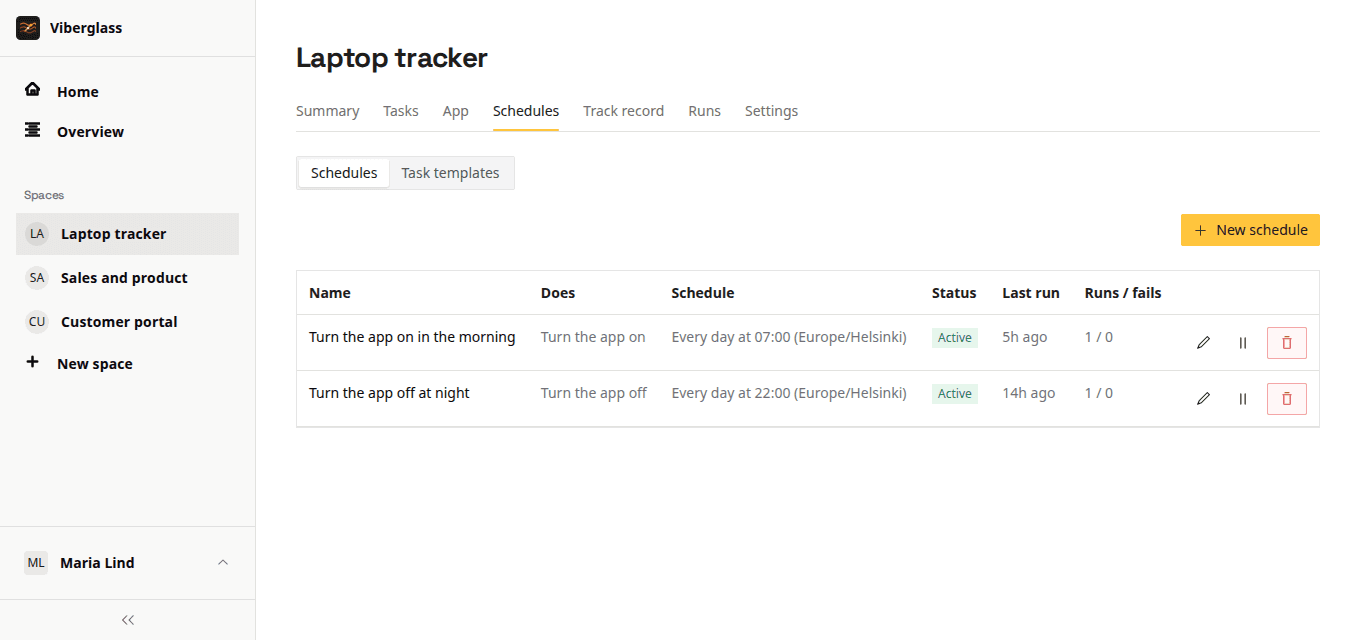
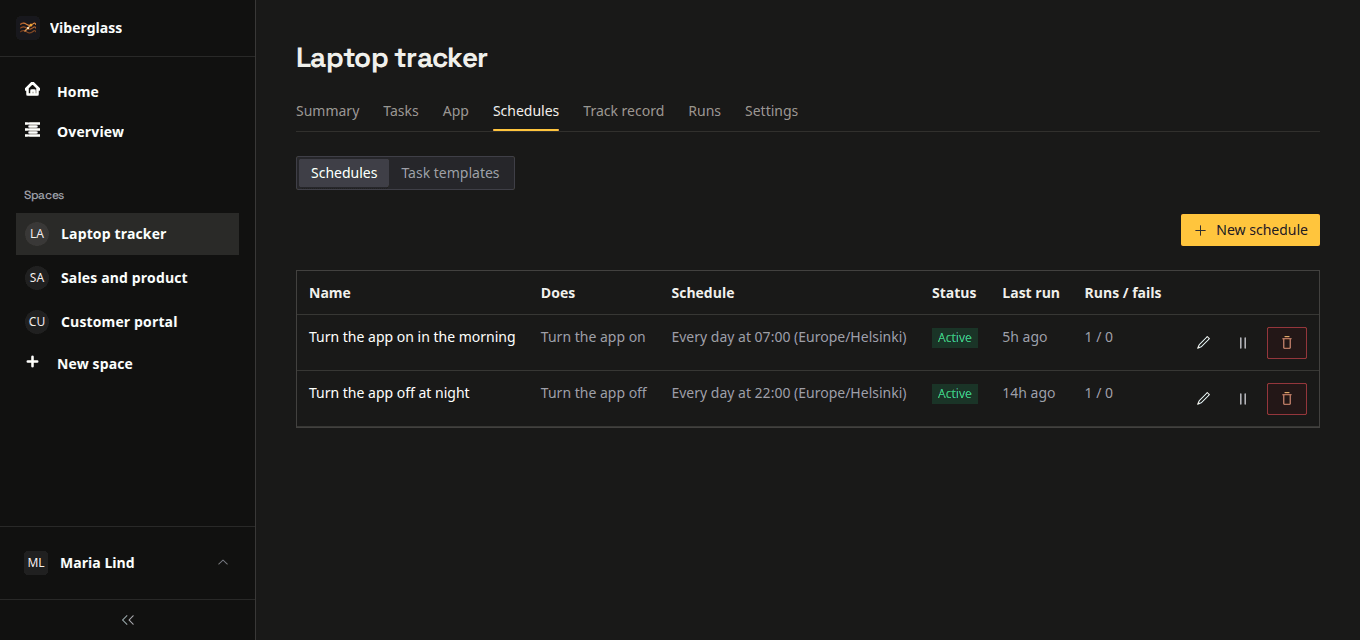
An app is on or off. Maintainers switch it from the app's page, or a schedule turns it off at night and on again in the morning. Previews turn themselves off when nobody has opened them for a few hours.
Every app has the same simple shape
Because every app is built the same way, Viberglass can run, back up and roll back any of them without anyone opening a terminal. Software that doesn't fit this shape belongs in your own repository.
Every app
- Is a Node.js app with one SQLite database.
- Has its data copied continuously to your own object storage.
- Runs as one instance at its own address, such as laptops.apps.example.com.
- Gets the signed-in person from Viberglass and never handles passwords.
- Can reach the internet, but not Viberglass's database, its storage or other apps.
Not yet
- Public apps or apps for your customers.
- Sending email, running its own scheduled jobs or receiving webhooks.
- Postgres, or more than one instance.
- Roles inside an app beyond who may open it.
Bring an app in, or let it move on
An App space is a Git space that Viberglass also hosts, so a space can switch either way and keep its tasks, people and history.
Bring in a repository you already have
Turn a Git space into an App space from its settings. If the code doesn't fit the app contract yet, the agent opens a change that makes it fit, keeping its stack where it can. Upload a SQLite file if the app should start with data.
Let an app move on
When an app needs Postgres, more servers or public access, stop hosting it. The space carries on as a Git space on the same repository, and you download the app's data as a SQLite file to take with it.
Questions about apps
Replace your first subscription
Install Viberglass, create an App space and ask for the tool you are paying for and barely use. The guide walks through the first app.