

Quickstart
Get Viberglass running locally and fix your first ticket.
Prerequisites
- Docker Engine 20.10+
- Docker Compose v2
- A GitHub token with repo access
- An API key for at least one agent harness (Anthropic, OpenAI, Google, etc.)
1. Start the platform
git clone https://github.com/ilities/viberglass.git
cd viberglass
docker compose up
The UI is at http://localhost:3000. The backend API runs on port 8888. Database migrations run automatically on first boot.
2. Add your secrets
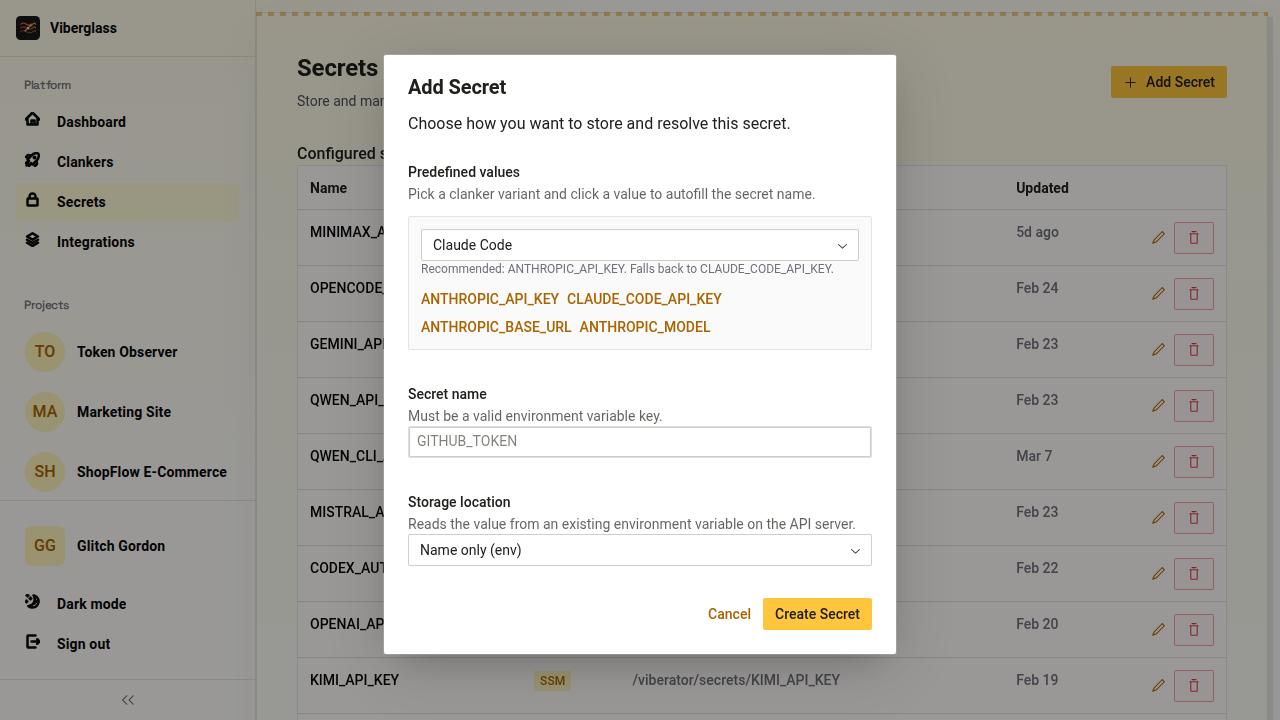
Open Platform → Secrets and click Add Secret. You need at least two:
GITHUB_TOKEN— a GitHub personal access token with repo access.- An API key for your agent —
ANTHROPIC_API_KEYfor Claude Code,OPENAI_API_KEYfor Codex, etc. The UI suggests the right key name when you pick a clanker variant.
For local development, set storage to Database (encrypted) or Name only (env) if the keys are already in your shell environment.
3. Create a clanker
Open Platform → Clankers and click New Clanker. Pick an agent, tick the secrets it needs, and choose Docker as the deployment strategy.
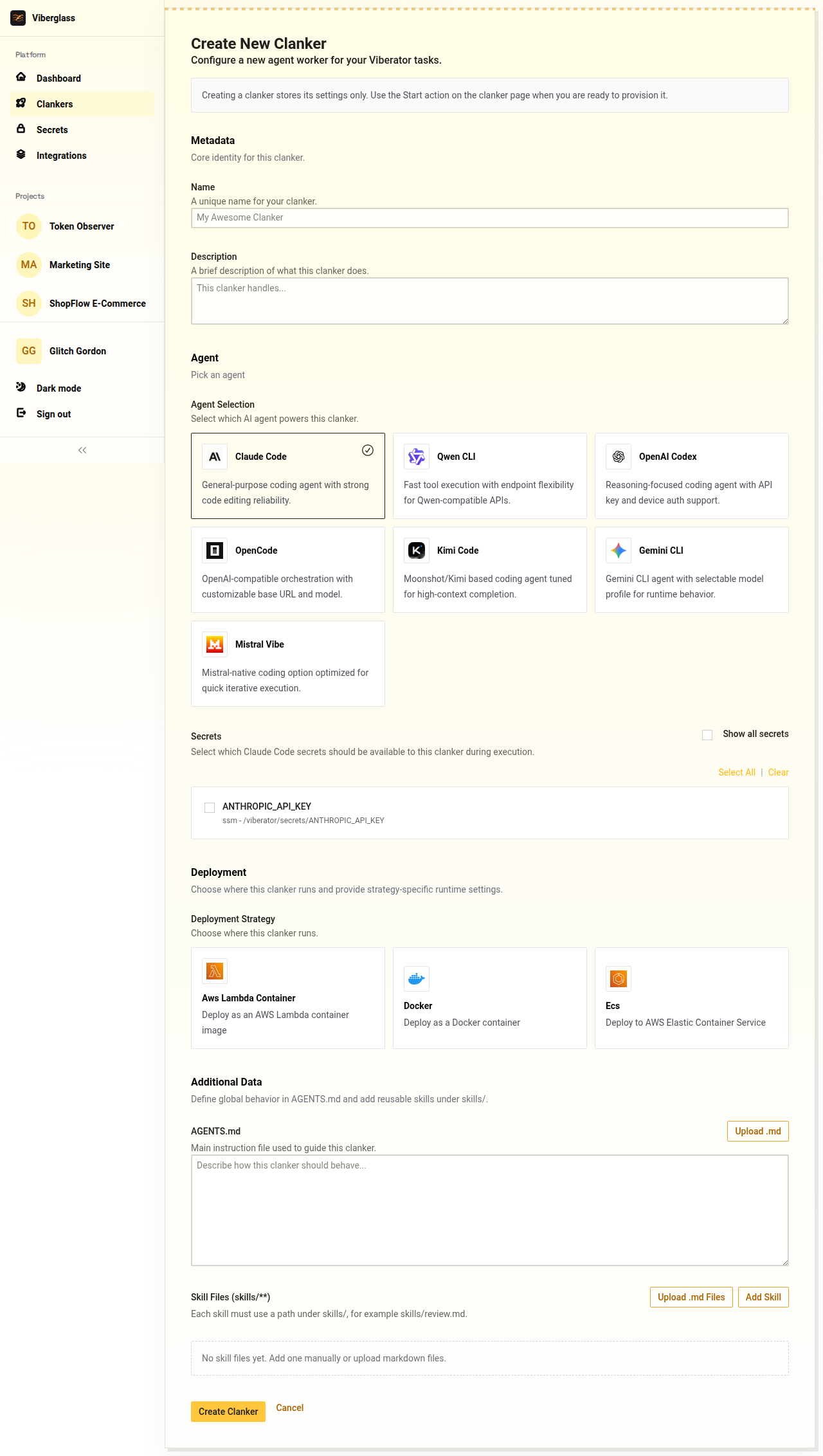
Docker is the simplest option for local use. Lambda and ECS clankers are for production — see Deployment.
4. Start the clanker
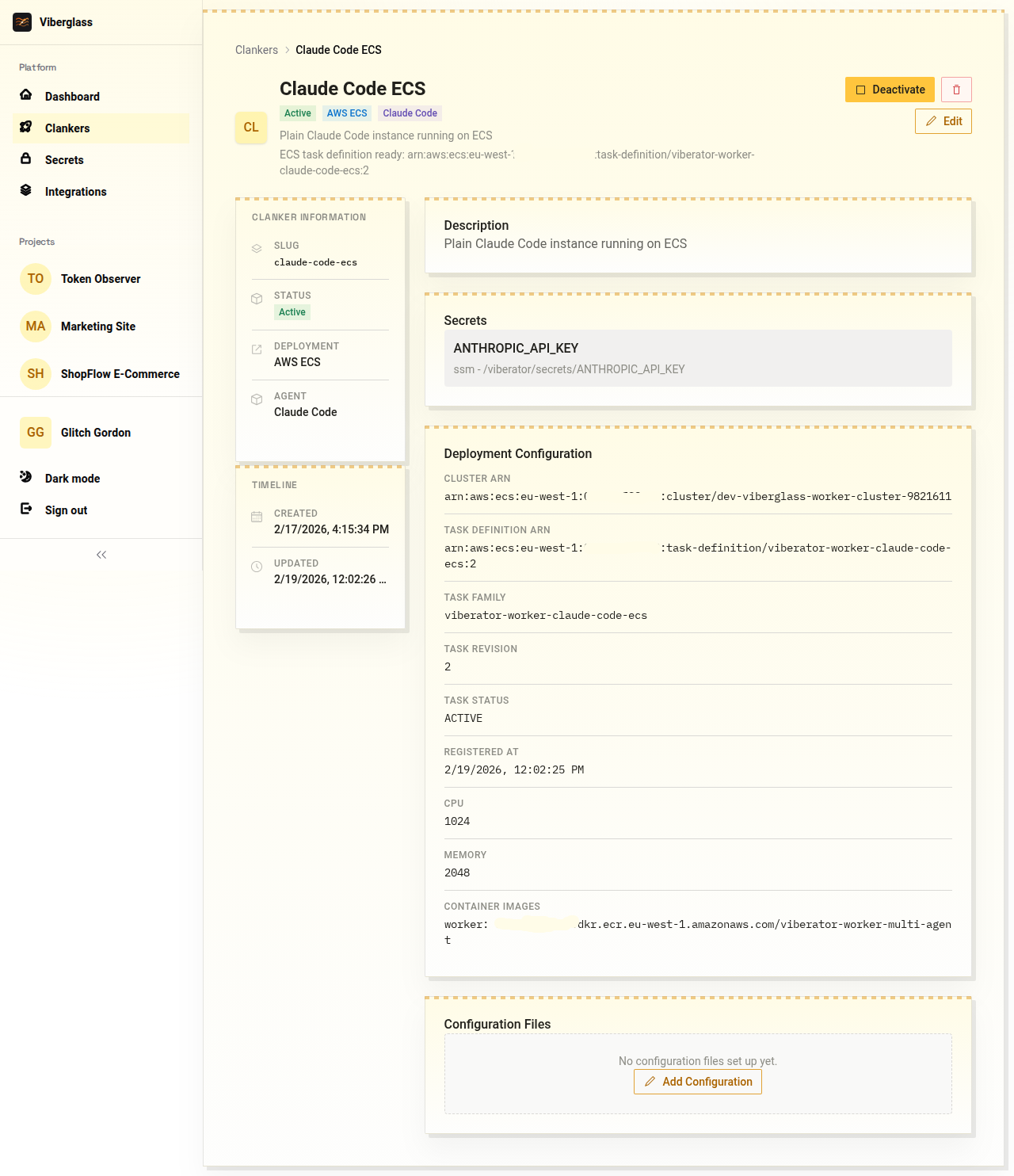
On the clanker detail page, click Start. The platform builds a Docker image and marks the clanker as Active.
5. Create a project
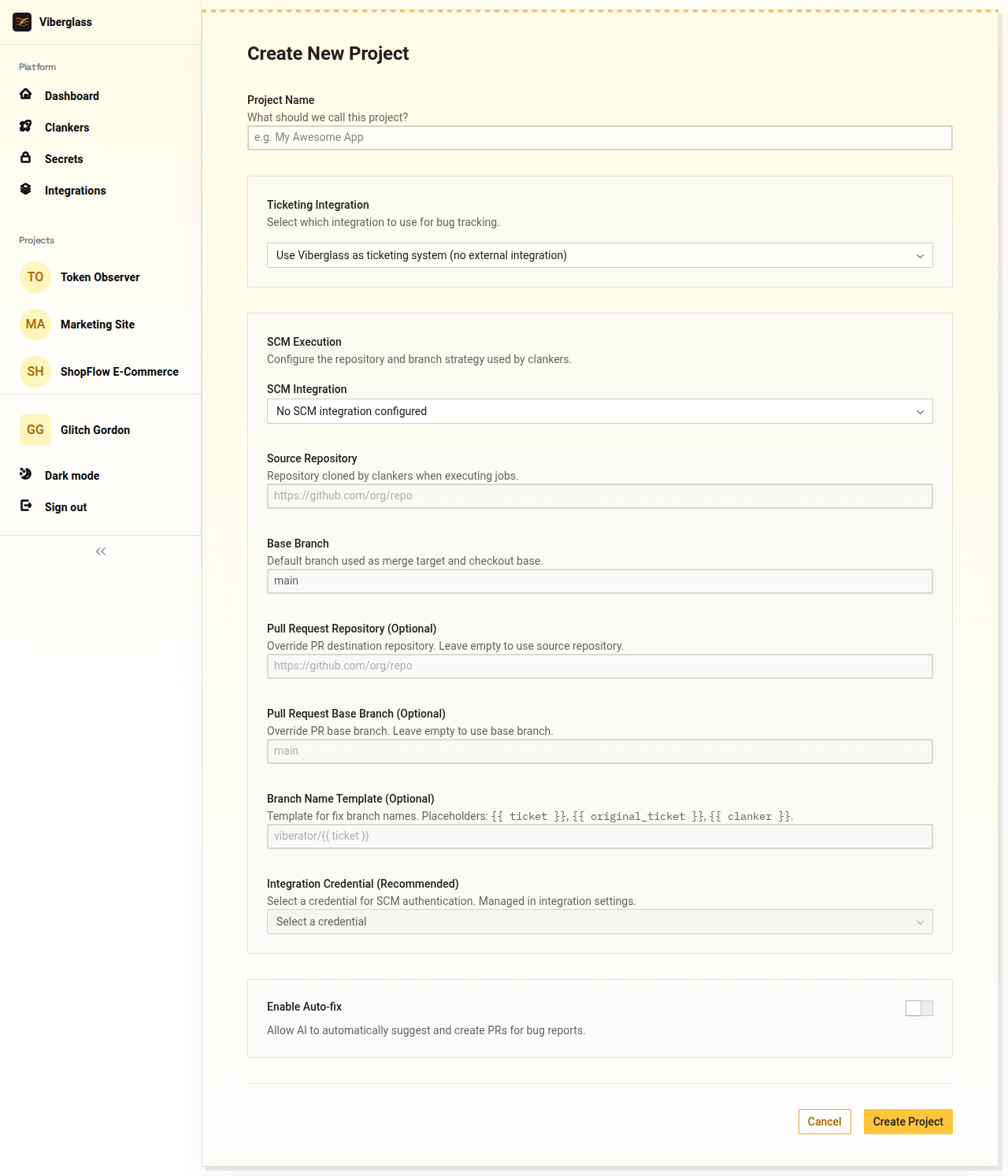
Open New Project from the sidebar. Give it a name and fill in the SCM Execution section:
- Source Repository — the repo URL your clanker will clone (e.g.
https://github.com/your-org/your-repo). - Base Branch — the branch to check out and target PRs against (usually
main). - Integration Credential — select the
GITHUB_TOKENsecret so the clanker can push and open PRs.
6. Create a ticket
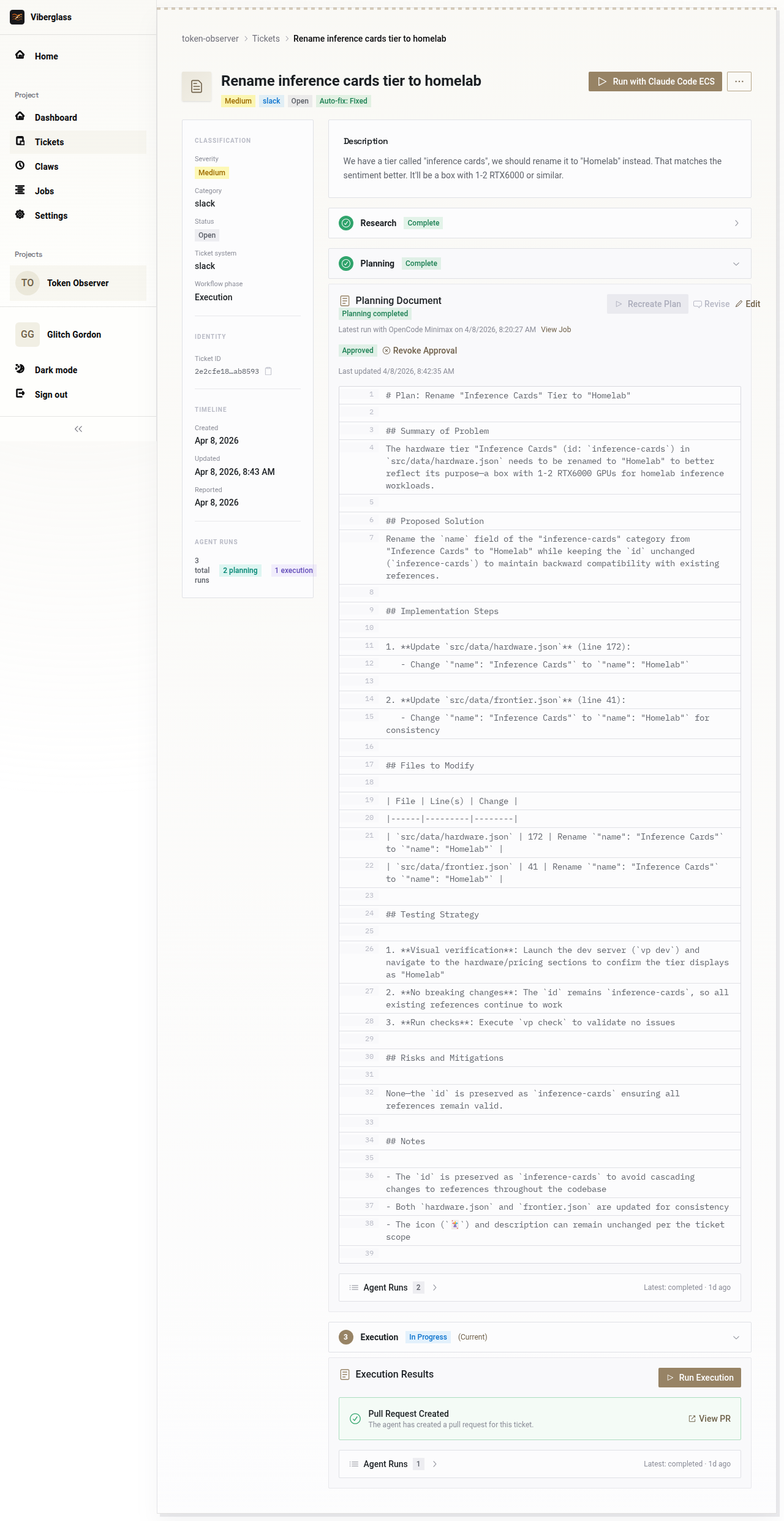
Open your project and click Create Ticket. Write a description of the bug or change, pick a severity, and choose a starting phase:
- Research — the agent investigates first, then plans and executes. Best for unclear issues.
- Planning — skip research. Best when the problem is well-understood.
- Execution — skip both. Only for tiny, mechanical changes.
The clanker picks up the ticket and works through each phase. You review and approve documents between phases, and execution ends with a pull request in your repository.
What's running
docker compose up starts three services:
| Service | Port | Description |
|---|---|---|
| Frontend | 3000 | React SPA |
| Backend | 8888 | Express API + PostgreSQL migrations |
| PostgreSQL | 5432 | Database |
Workers run as Docker containers spawned by the backend when a clanker is invoked.
Configuration
The backend reads environment variables from apps/platform-backend/.env. Copy .env.example to get started.
| Variable | Description |
|---|---|
DB_HOST, DB_PORT, DB_NAME, DB_USER, DB_PASSWORD | PostgreSQL connection |
SECRETS_ENCRYPTION_KEY | Encrypts credentials at rest (32+ chars) |
WEBHOOK_SECRET_ENCRYPTION_KEY | Encrypts webhook secrets (32+ chars) |
AUTH_ENABLED | Set to false for local development |
Next steps
- Getting Started — core concepts and UI walkthrough.
- Integrations — connect GitHub Issues, Slack, or custom webhooks.
- Claws — set up recurring scheduled tasks.
- Deployment — deploy to AWS with Pulumi.